Help Center
How to use Amal Invest
Step-by-step answers for setting up, connecting Alpaca or Trading212, and managing your halal portfolio.
Amal Invest Help Center
If you are brand new, read the three Getting Started articles in order, then jump to the section for the broker you chose. Each article takes a few minutes and ends where the next begins.
Already set up and looking for something specific? Pick a category below, or use the sidebar.
Looking for investing basics instead?
This help center covers the app itself. For the why of halal investing, funds, zakat, and screening rules, read the halal investing guides.
Using Amal on your phone
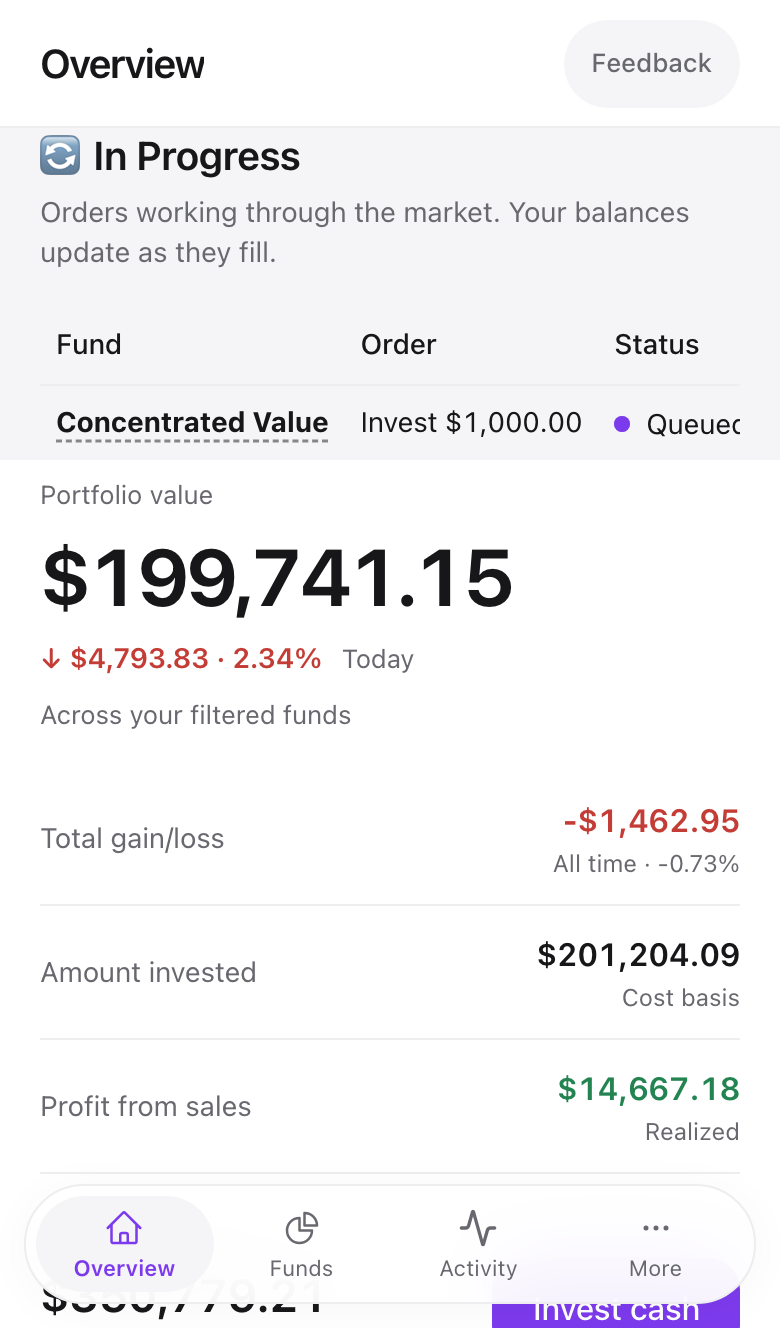
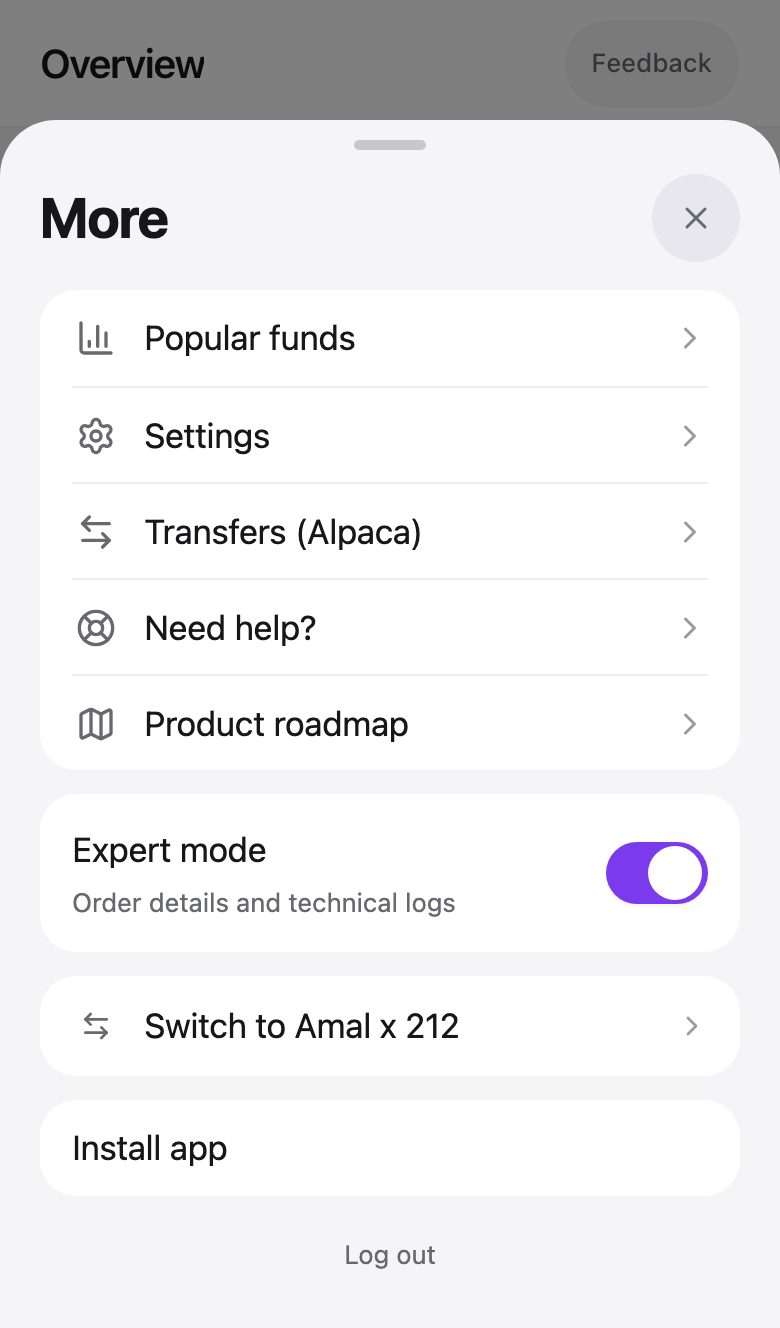
Amal Invest is a web app that installs like a native one. On a phone the navigation moves to the bottom of the screen, with Overview, Funds, Activity, and a More sheet that holds settings, Expert mode, and the broker switch.
To add it to your home screen, open More and tap Install app. It then opens full screen without the browser bar.
Getting help
Every article ends with the most common problems for that screen. If yours is not there, email [email protected]. Replies come from a person, usually within a working day.