Filters, blacklist, whitelist
Key Takeaways
- Blacklist stocks are never bought in any fund, even when compliant
- Whitelist stocks are always bought, even when not compliant. Use with care
- Block pro-Israel companies fills the blacklist from curated lists with one action
- Expert mode is also here, alongside the sidebar switch
The page
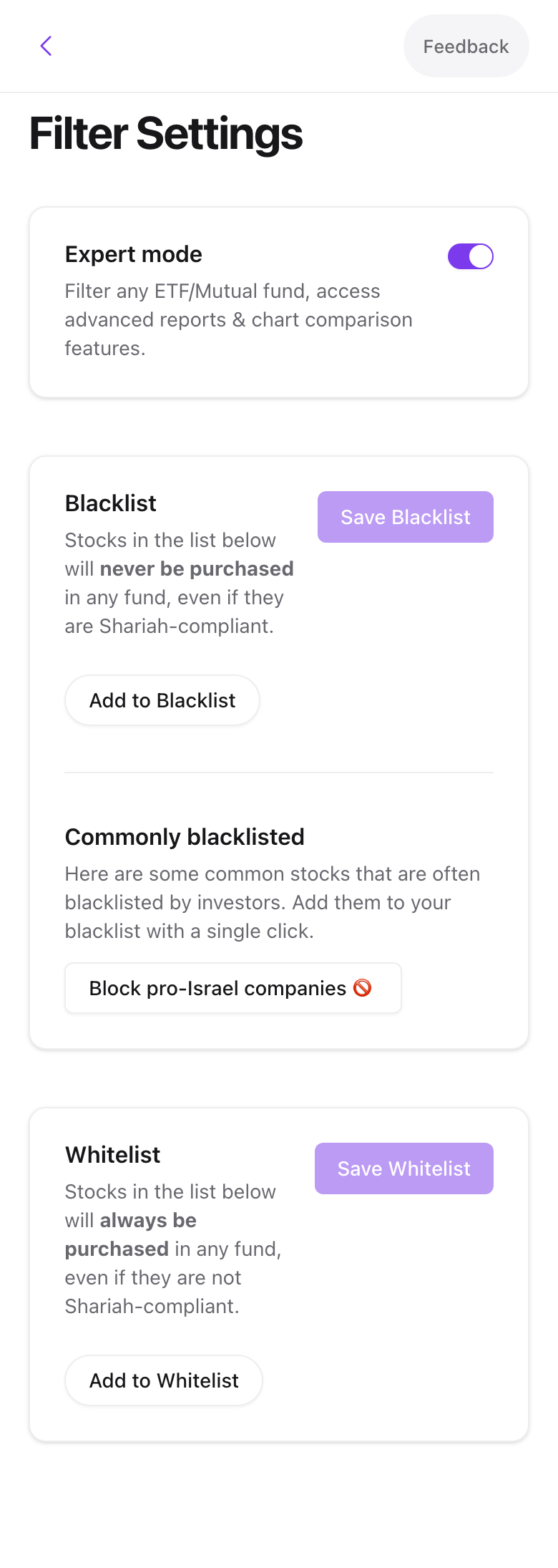
Expert mode unlocks fund search across every US fund, advanced reports, and chart comparison. Same switch as in the sidebar footer.
Blacklist
Press Add to Blacklist, search, and pick a stock. It appears as a chip. Press Save Blacklist to apply. From then on the stock is dropped from every fund on the next rebalance and cannot be added to custom funds. Remove a chip with its X, or Clear Blacklist to empty the list.
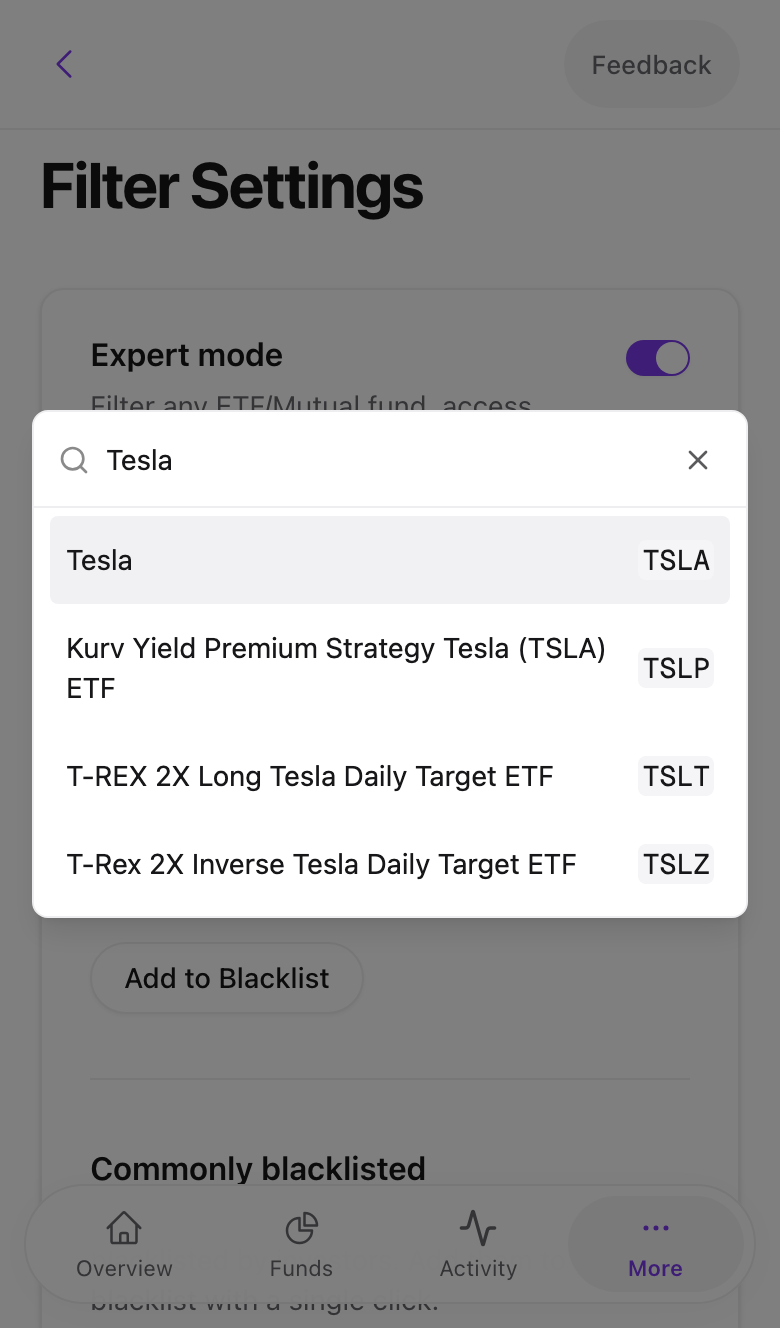
Block pro-Israel companies
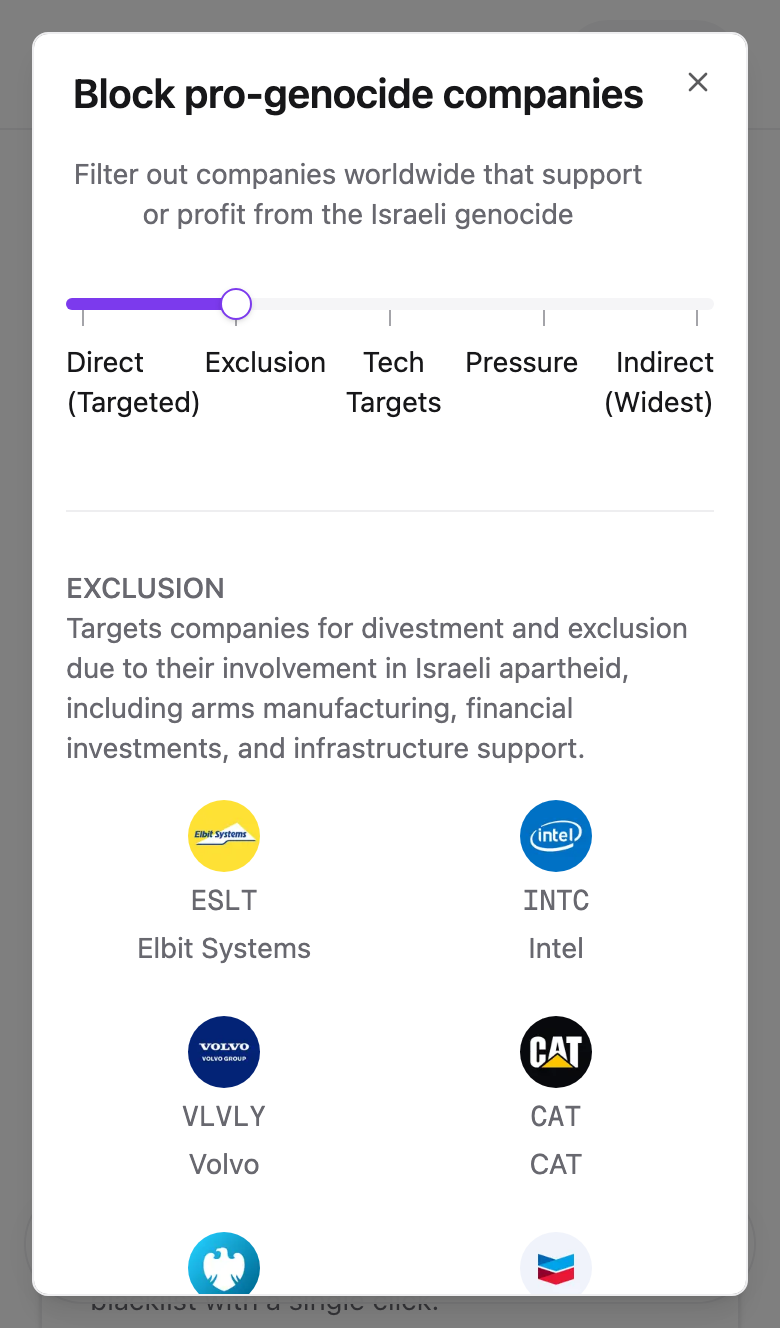
Under the blacklist, Block pro-Israel companies opens a dialog with a five-position slider from the narrowest list to the widest:
- Direct (Targeted). Companies on the BDS priority list.
- Exclusion. Adds major defense and settlement suppliers.
- Tech Targets. Adds technology companies with military contracts.
- Pressure. Adds companies under active boycott pressure.
- Indirect (Widest). Adds consumer brands with indirect links.
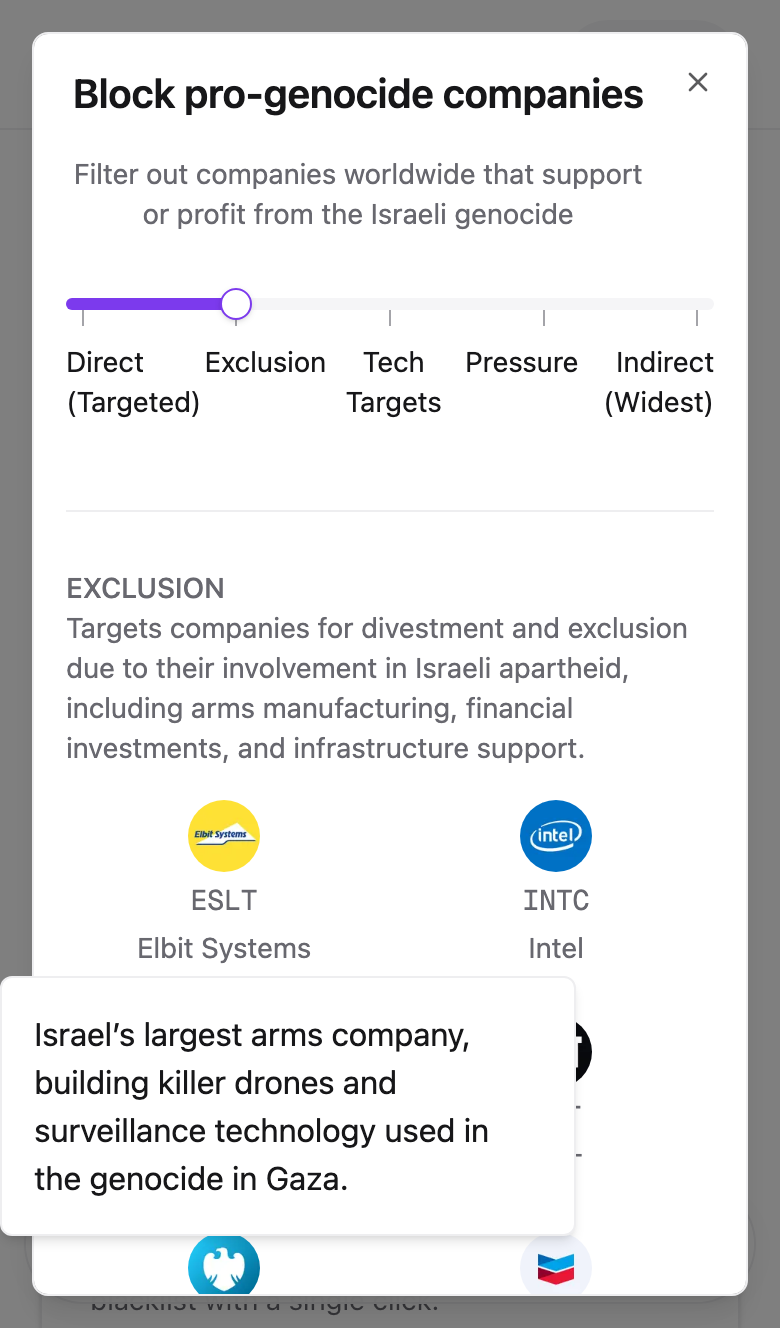
Each position shows the companies it adds. Hover or tap a logo for the reason. Press Add N companies to blacklist and then Save Blacklist.
Swipe to see all 2 screens
The lists are maintained from the BDS movement's published targets. How blocking them affects returns is covered in Genocide filters and fund performance.
Whitelist
The mirror of the blacklist. A whitelisted stock is bought in any fund whose source holds it, regardless of rating. This exists for cases where you have your own scholarly opinion on a company. It overrides screening, so use it deliberately.
How the lists interact with fund rules
Account lists win. A blacklisted stock is excluded even from a fund that allows doubtful and unrated holdings. A whitelisted stock is included even in a fund set to sell non-compliant holdings.
Common problems
I saved the blacklist but the stock is still in my fund. Removal happens at the next rebalance. Run one from the fund's action menu to apply it now.
The dialog added more companies than I expected. Each slider position includes everything to its left. Move it left and re-add.
- Previous
- When a holding stops being halal