Connect Alpaca
Key Takeaways
- Zero commissions, no minimum balance, available in 100+ countries
- Cash and securities are SIPC insured up to $250k each
- You open the account on Alpaca's site, then link it to Amal with one click
- You can create funds while approval is pending, but cannot invest until it is active
Step 1: Check eligibility
The welcome screen has one button, Connect a broker account. Press it, confirm your Country of Residence, and press Am I eligible?
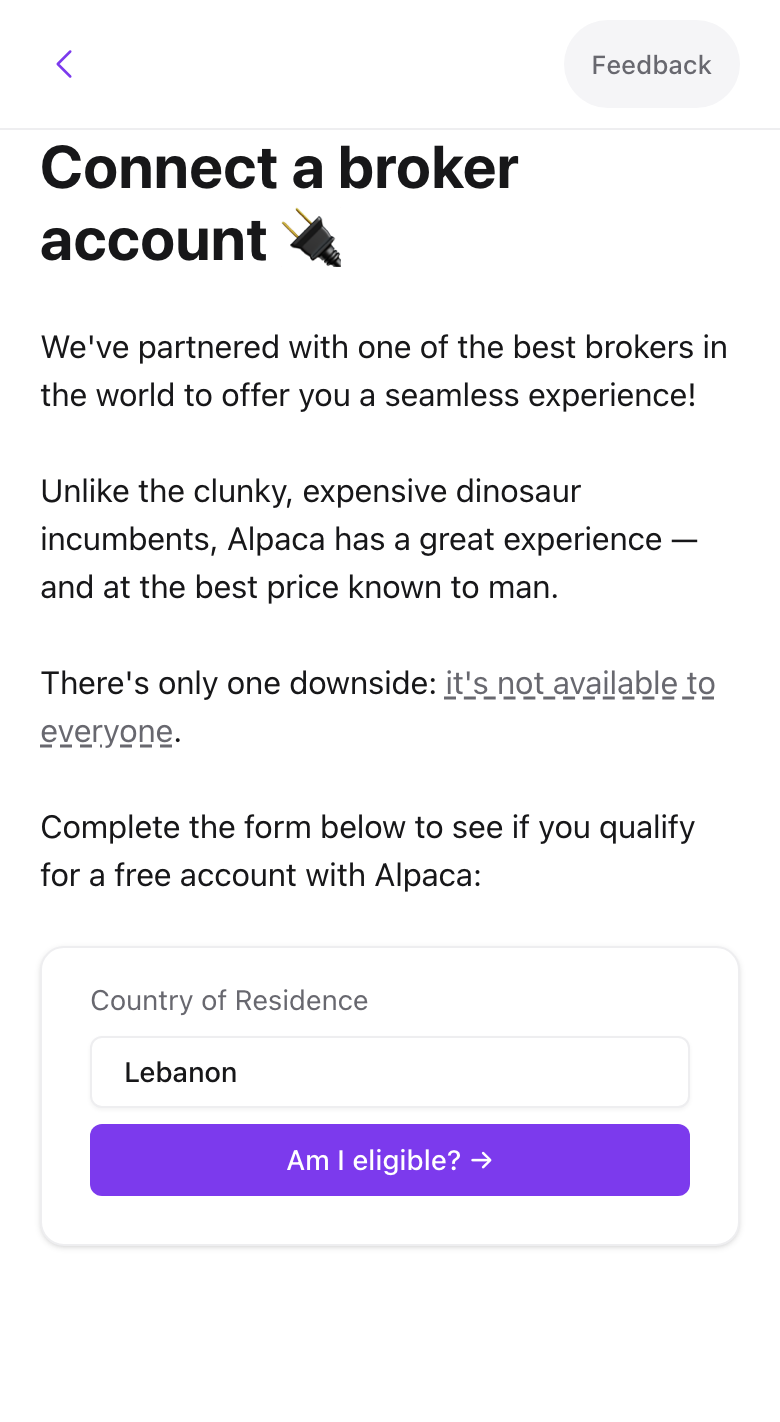
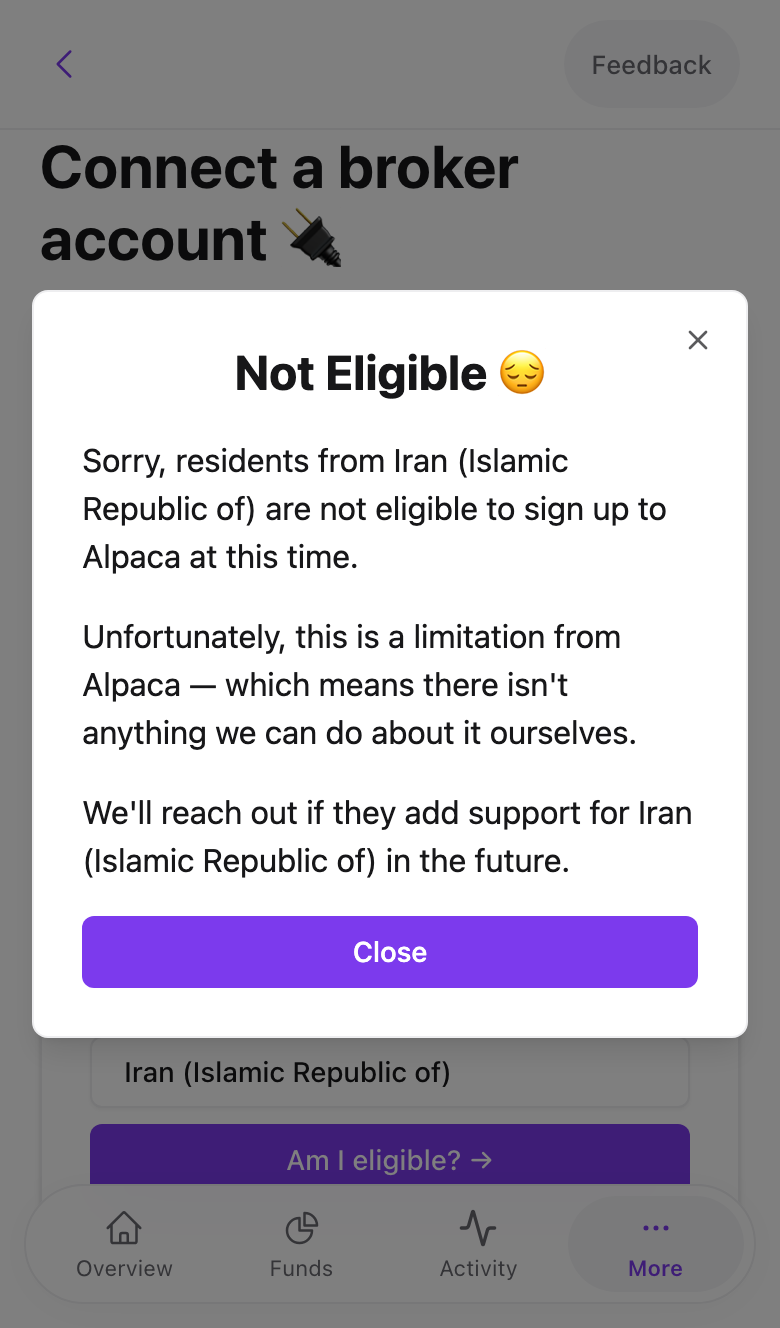
If Alpaca does not accept your country you see a Not Eligible dialog. In that case use Amal x Trading 212 instead.
Step 2: Open the Alpaca account
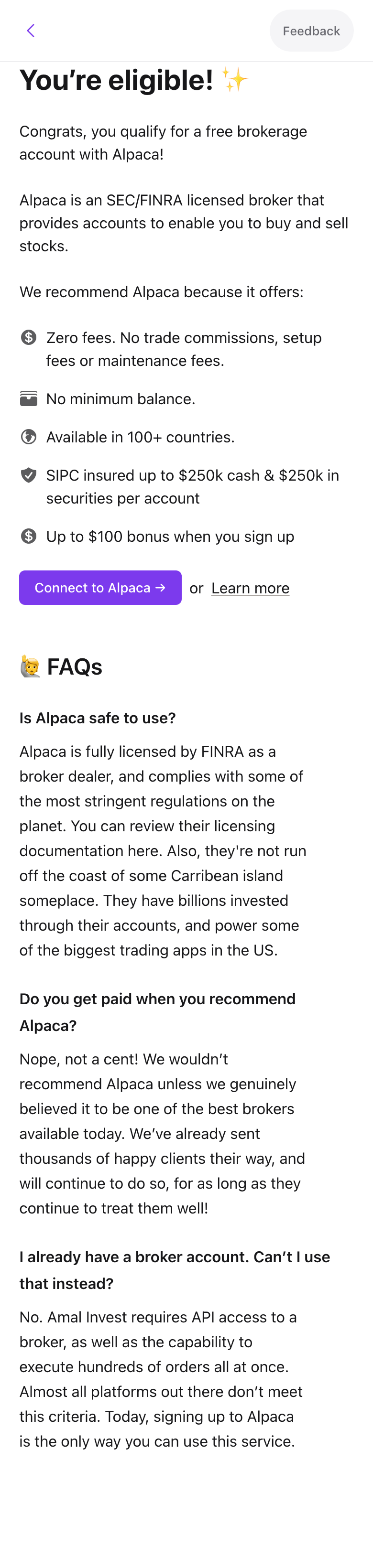
Eligible users see the perks list and a Connect to Alpaca button.
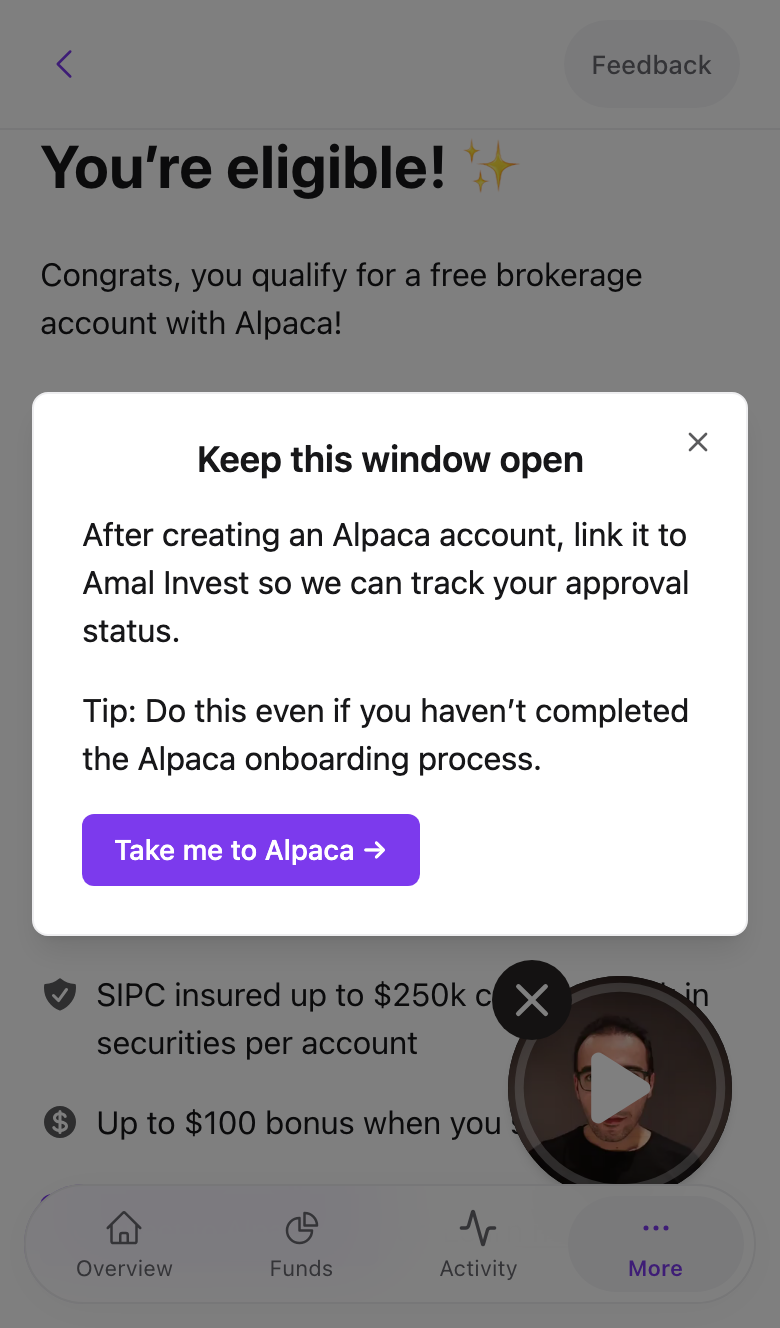
Pressing it opens Alpaca in a new tab and shows a Keep this window open reminder in Amal.
On Alpaca's site, create the account with your details and identity document. This is Alpaca's own KYC process and Amal never sees the documents.
Step 3: Link it back
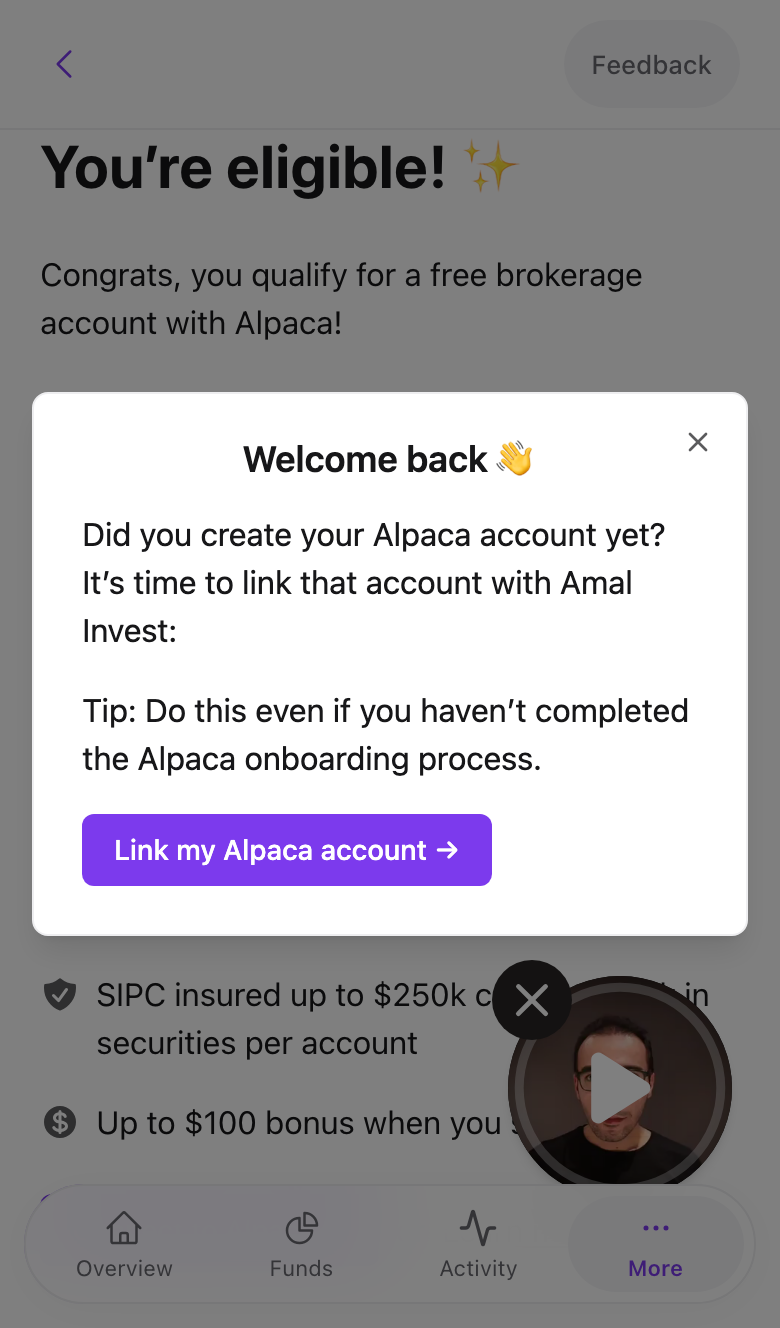
Return to the Amal tab. The reminder has become Welcome back with a Link my Alpaca account button. Press it, approve the connection on Alpaca's page, and you are sent back to Amal with a Connected! message.
What the status screens mean
After linking, Amal shows one of these until the account is active:
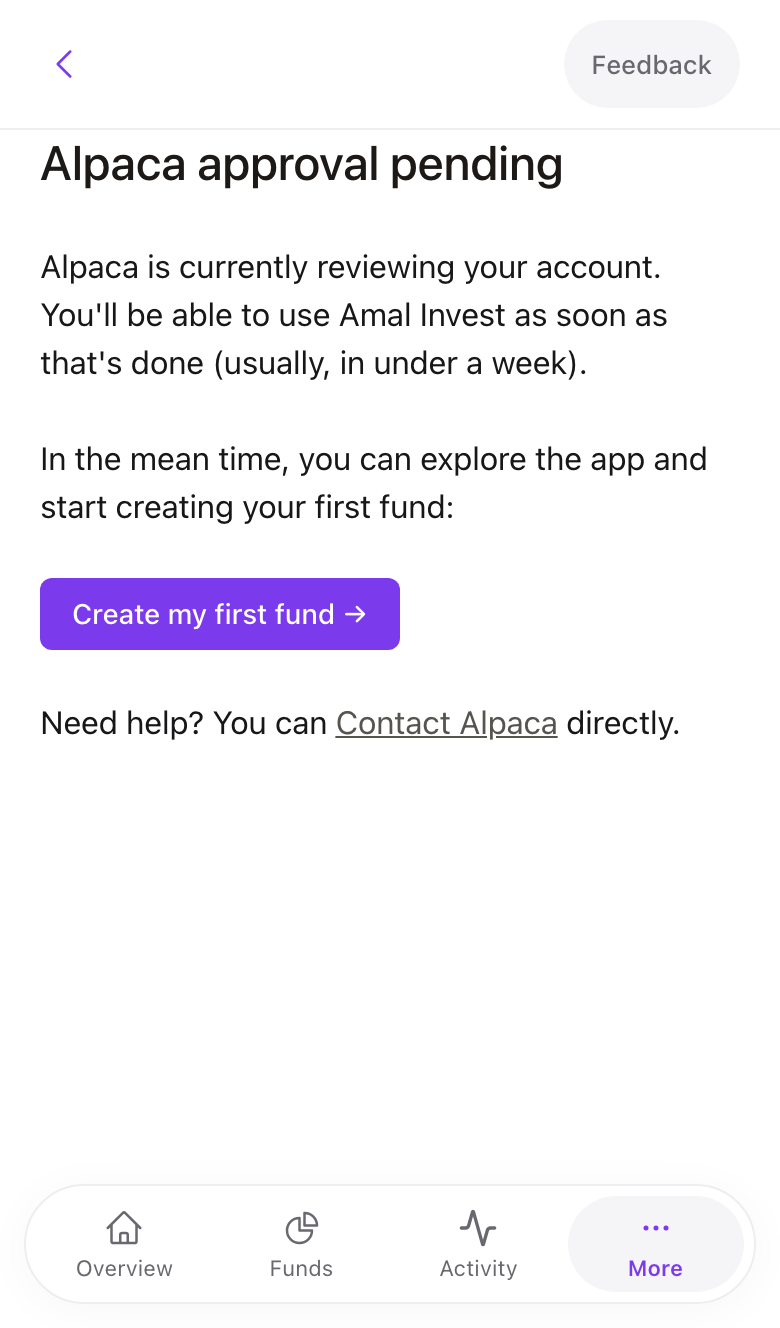
- Alpaca approval pending. Normal. Alpaca is reviewing your documents. You can press Create my first fund and set things up while you wait.
- You haven't completed onboarding. Alpaca's form was not finished. Press Complete Alpaca onboarding to go back to it.
- Alpaca requires additional information. Check your inbox for an email from [email protected] and reply with what they ask for.
- Your Alpaca account has been rejected. Alpaca declined the application. Email us and we will look into it with them.
Common problems
The Alpaca tab closed before I linked. Sign in to Amal again. Onboarding resumes at the linking step.
I already have an Alpaca account. You can link it. Press Connect to Alpaca and sign in to your existing account instead of creating one. Amal needs its own authorisation even for existing accounts.
Approval has taken more than a week. Email [email protected] with the email you used at Alpaca. We can check the status on our side.
- Previous
- Pies and syncing