Plans and billing
Key Takeaways
- Standard ($249 once) gives you the Grow and Save funds on both brokers, Alpaca and Trading 212
- Pro ($999 once) adds thousands of other ETFs and mutual funds, custom fund investing, and priority support
- The extra funds in Pro are available through Alpaca only. Trading 212 pies are built from Grow and Save on both plans
- Billing and receipts live in the Stripe portal, reached from Settings → Account → Manage
What each plan includes
| Standard ($249) | Pro ($999) | |
|---|---|---|
| Invested amount | Unlimited | Unlimited |
| Brokers | Alpaca and Trading 212 | Alpaca and Trading 212 |
| Grow and Save funds | Yes | Yes |
| Thousands of other ETFs and mutual funds | Preview only | Yes, through Alpaca |
| Custom funds | Build only | Build and invest, through Alpaca |
| Roadmap voting and comments | Yes | Yes |
| Support | Priority |
Prices are one-time, not subscriptions. Standard customers can upgrade to Pro later and pay the difference.
Choosing a plan
- Press Upgrade Plan on the account page under Settings → Account.
- Choose Standard or Pro and press Complete Payment.
- Stripe Checkout opens. Pay by card.
- You return to Amal with a Subscription Activated confirmation and a receipt by email.
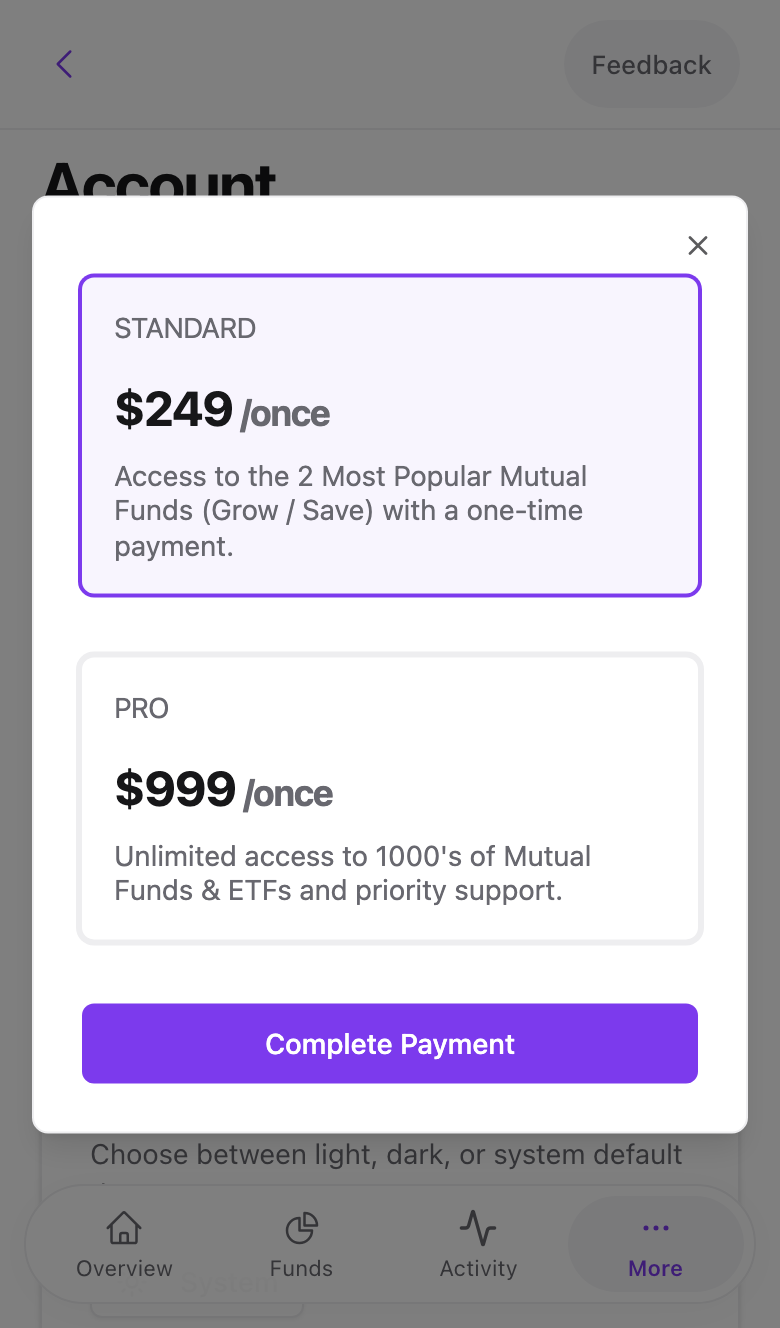
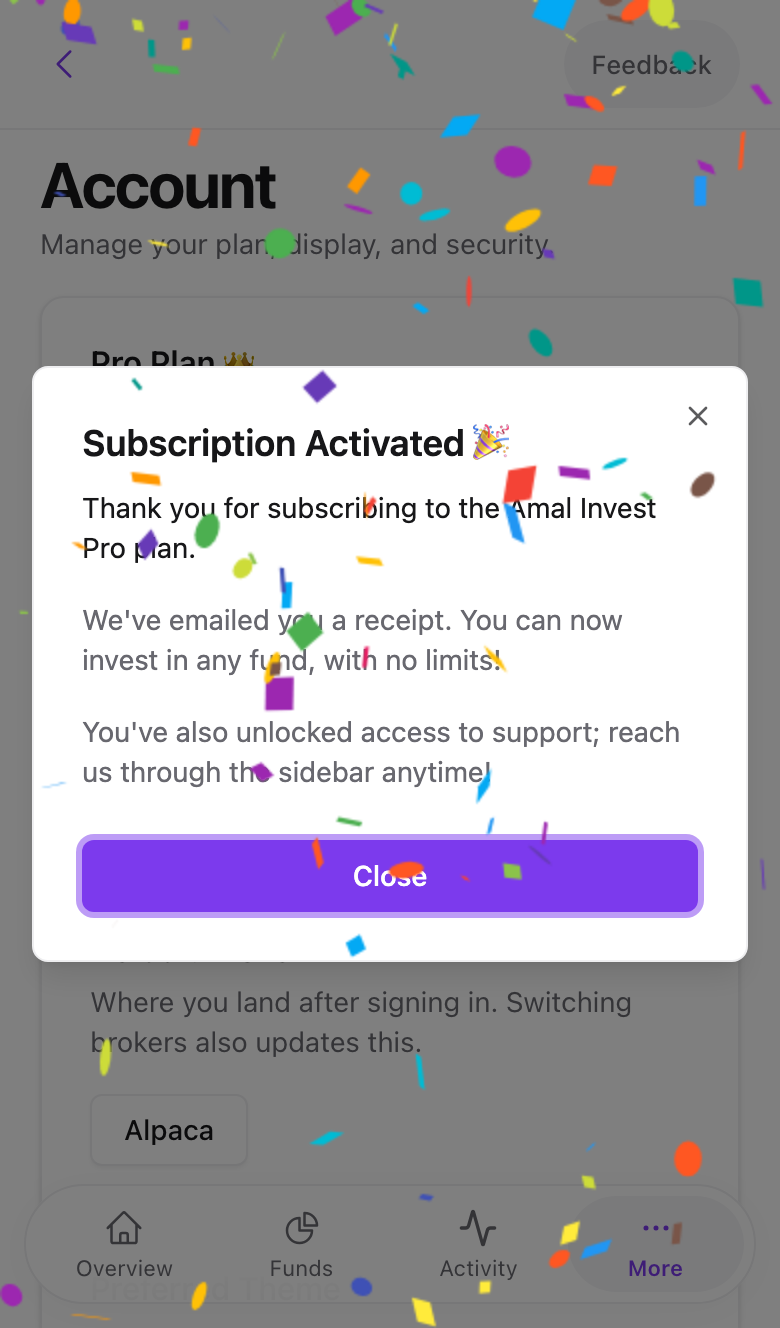
Swipe to see all 2 screens
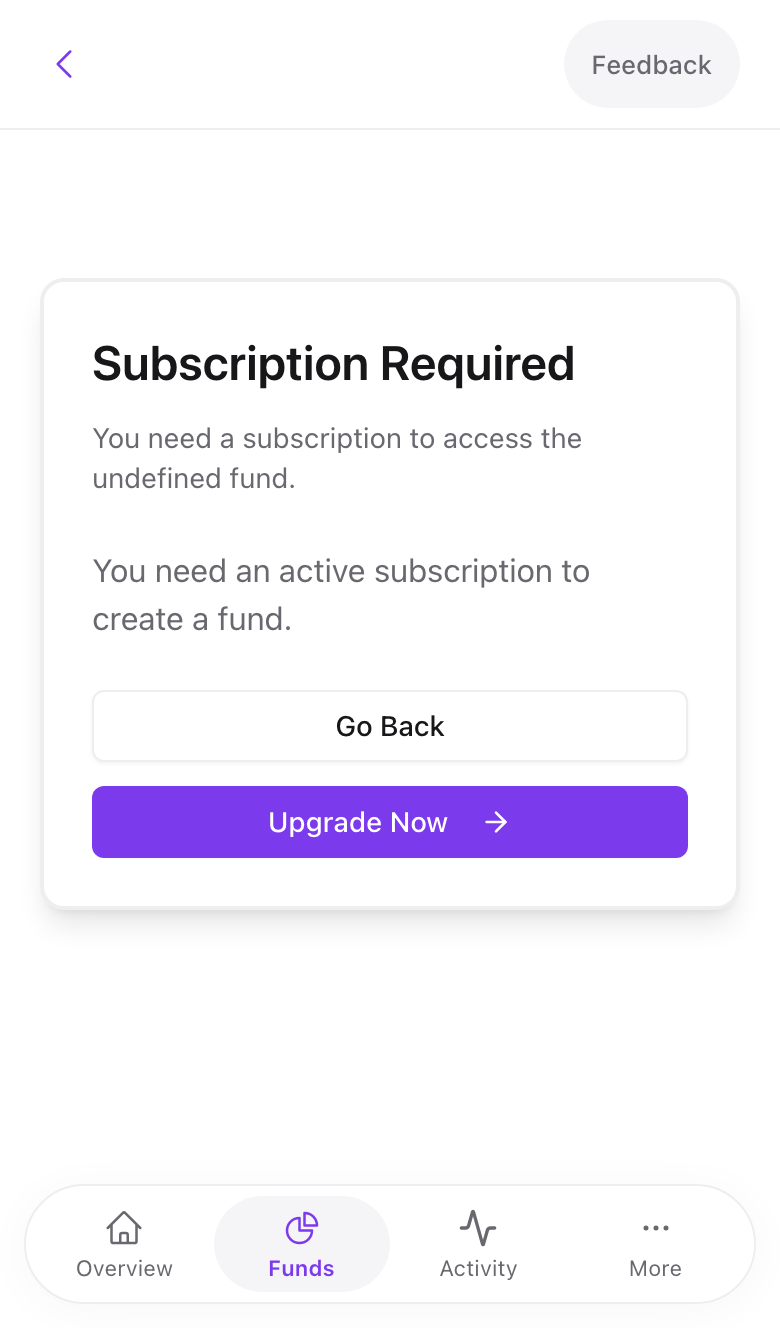
Standard accounts that try to create a fund other than Grow or Save see a Subscription Required screen with an Upgrade Now button leading to the same flow.
Managing billing
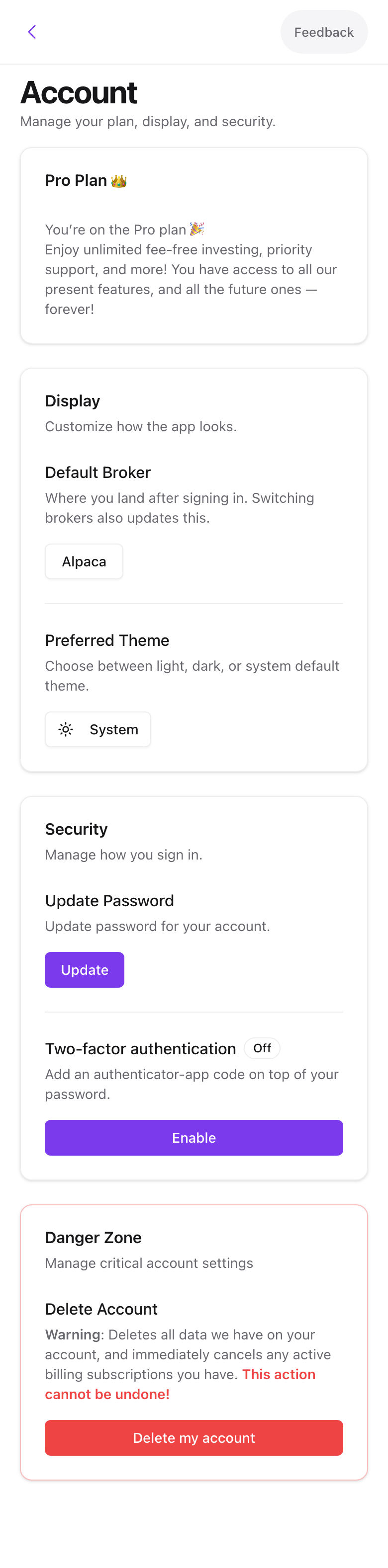
The account page shows your plan with a Manage button. It opens the Stripe customer portal where you can download receipts and update your details.
Refunds and cancelling
Because plans are one-time payments there is nothing recurring to cancel. Your broker account and holdings are yours regardless of plan. If you want a refund, email [email protected] within 14 days of purchase.
Common problems
Paid but the plan has not changed. Stripe's confirmation can lag by a minute. Sign out and in again. If it persists, send us the receipt.
Card declined. Stripe shows the bank's reason. International cards work; some banks block first-time online payments until you approve them in their app.
- Previous
- Filters, blacklist, whitelist