Email notifications
Amal only notifies by email. There are seven switches, and the defaults are set so you hear about anything that moves money without being flooded.
Key Takeaways
- Compliance changes and trade confirmations are on by default
- Fund updates, scheduled order notices, and dividend reinvestment are off by default
- The dividend digest is a daily, weekly, or monthly summary rather than one email per payment
- All emails come from [email protected]. Add it to your contacts
The settings
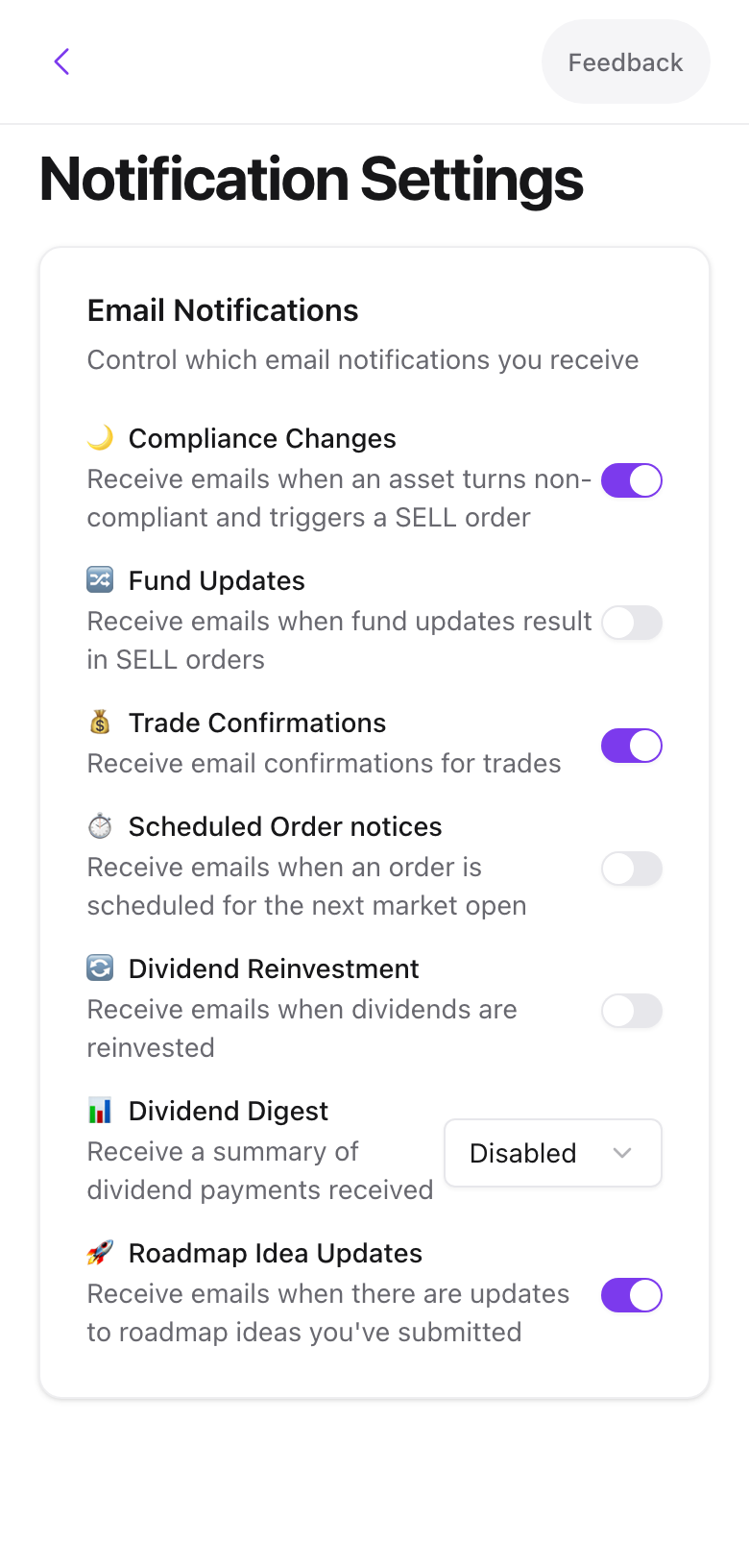
| Setting | Sends when | Default |
|---|---|---|
| Compliance Changes | A holding turns non-compliant and a sale is triggered | On |
| Fund Updates | A source fund change results in sales in your fund | Off |
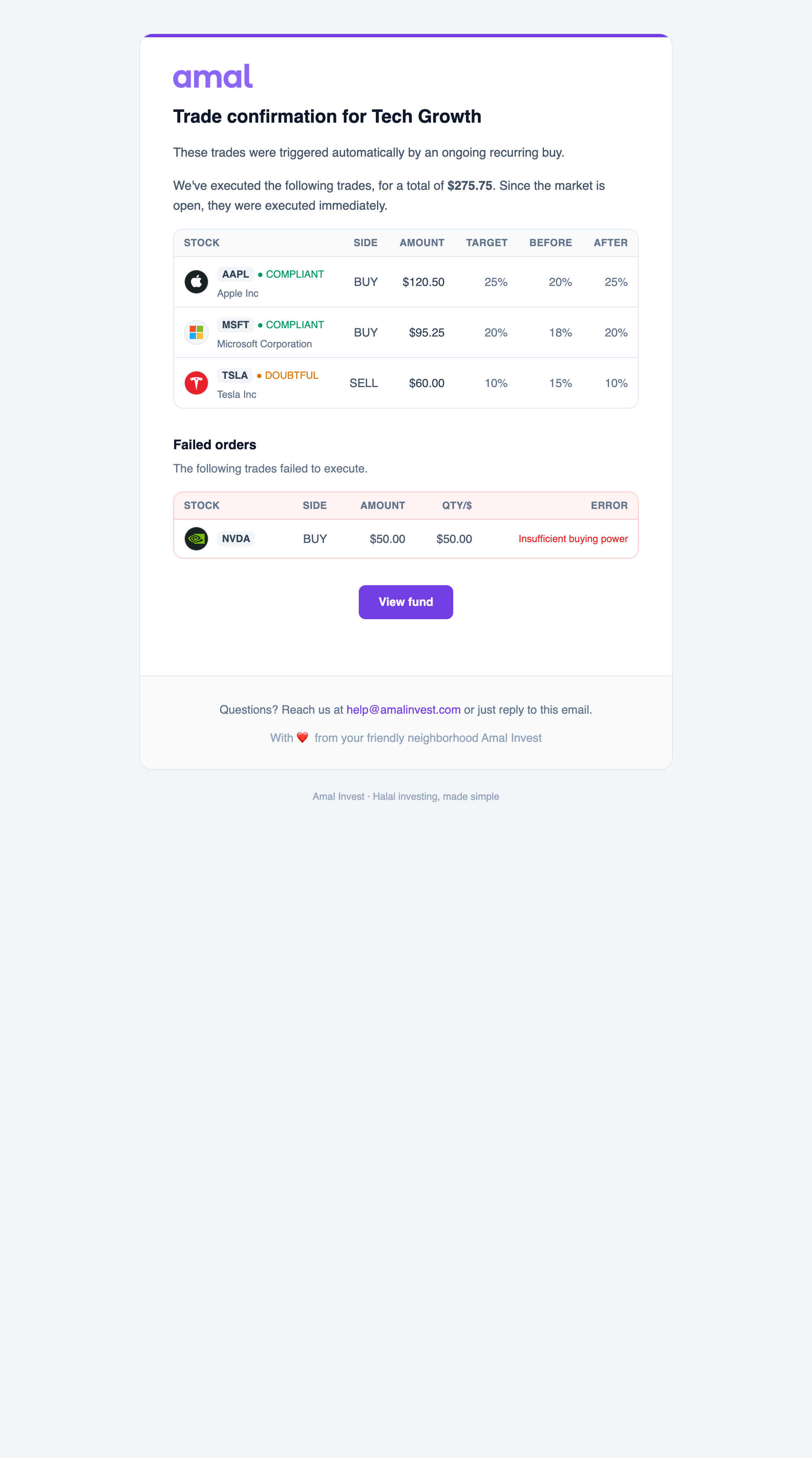
| Trade Confirmations | Any investment, withdrawal, or rebalance fills | On |
| Scheduled Order notices | An order is queued for the next market open | Off |
| Dividend Reinvestment | Dividends are reinvested into a fund | Off |
| Dividend Digest | Summary of dividends received: Disabled, Daily, Weekly, or Monthly | Disabled |
| Roadmap Idea Updates | An idea you submitted on the roadmap changes status | On |
Changes save immediately.
Which to keep on
Keep Compliance Changes on. It is the email that tells you a sale is coming and gives you the 24-hour review window to react.
Turn Trade Confirmations off if you run frequent recurring buys and would rather read the Activity tab.
Set the Dividend Digest to monthly if you hold Save or other income funds and want a record for zakat.
Common problems
Emails go to spam. Add [email protected] to your contacts. Gmail users can also create a filter to never send it to spam.
I get compliance emails for a fund I do not care about. The setting is account-wide. Change that fund's policy to Do nothing instead, under Fund settings.
- Previous
- Plans and billing