Create your account
Key Takeaways
- Sign up at app.amalinvest.com with an email and password, or with Google
- Email signups need a verification click before the first login
- Google signups have no password until you set one from the reset page
- The same login is used for the Alpaca app and the Trading 212 app
Sign up
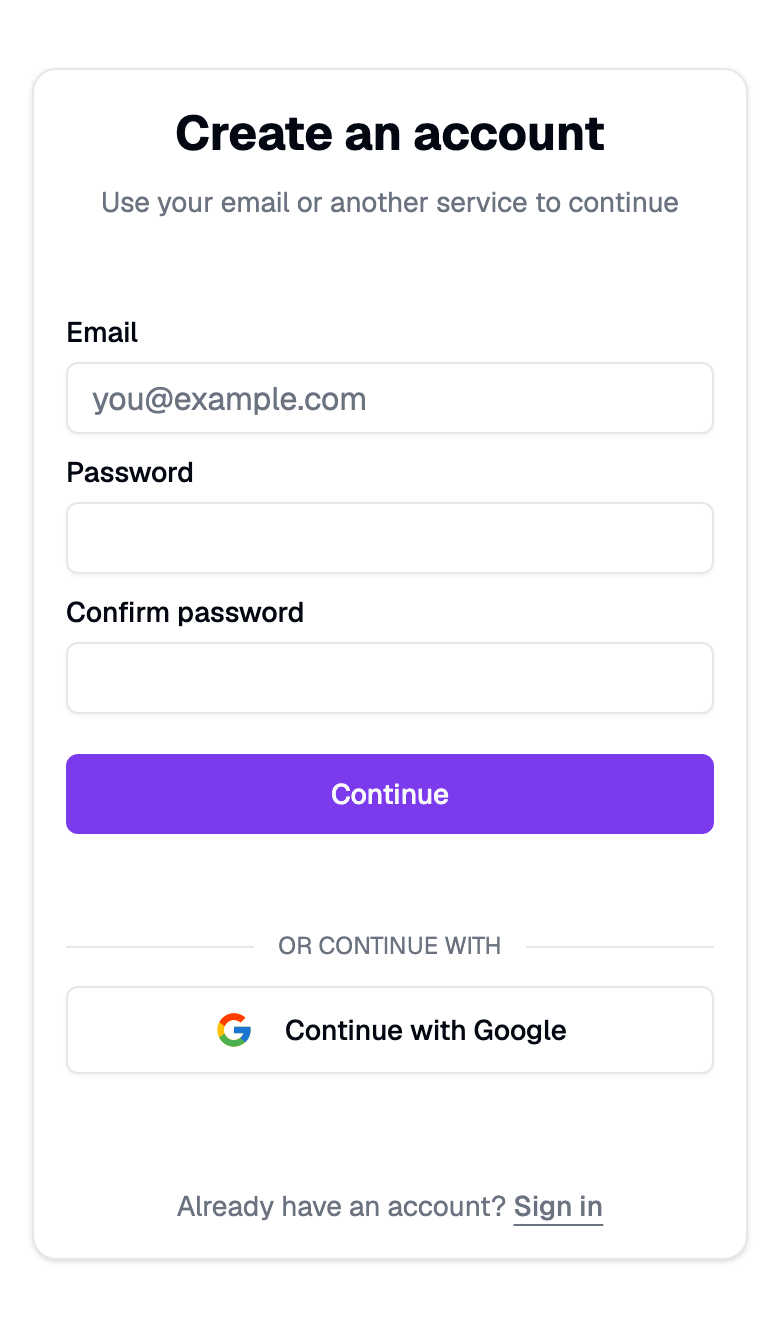
- Go to app.amalinvest.com/sign-up.
- Enter your email, a password, and the same password again, then press Continue. Or press Continue with Google and skip the password.
- Email signups receive a verification link. Click it, then sign in.
Sign in next time
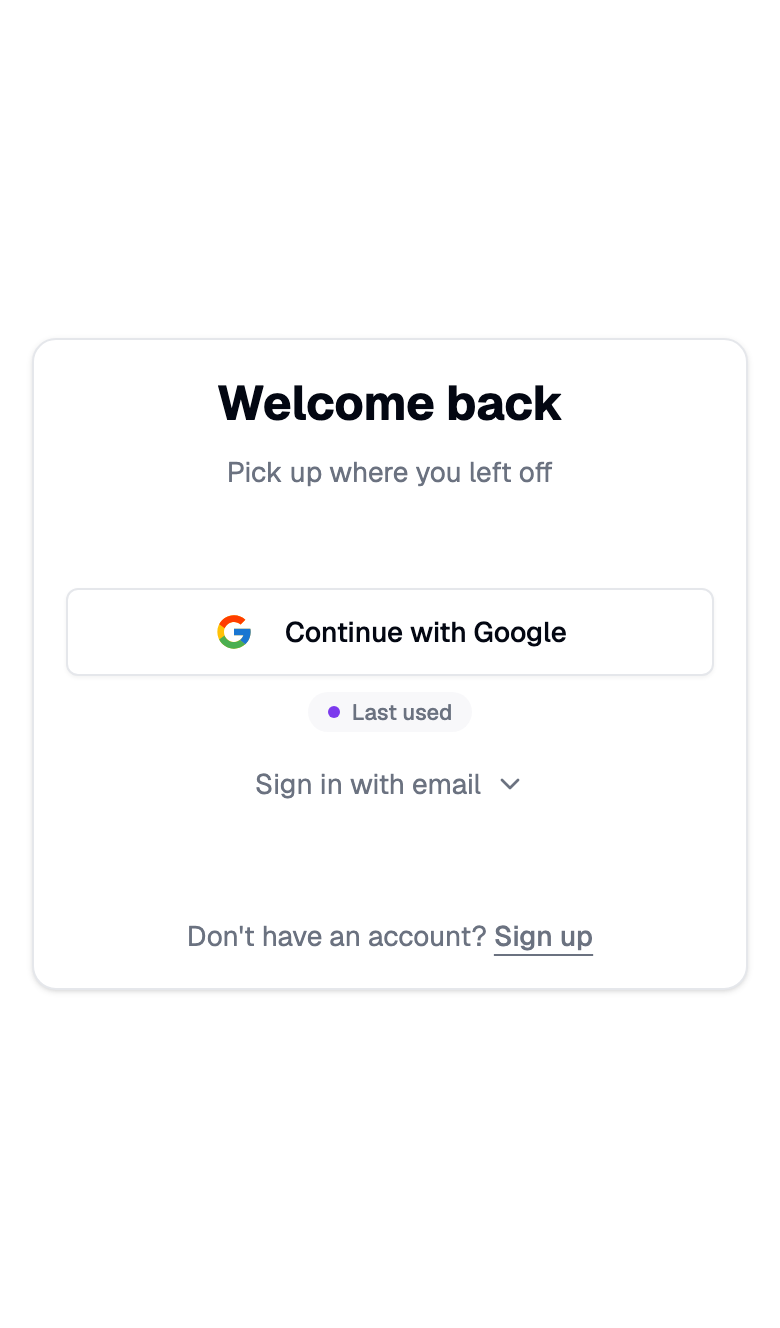
Sign in at app.amalinvest.com/sign-in. If you last used Google, the Google button moves to the top with a Last used label, and the email form folds away under Sign in with email.
Coming from Trading 212?
The Trading 212 app sends you to the same sign-in page with a small "One Amal login" note. Use your normal Amal login there. If you only ever used Google and need a password, press Set one.
Forgot your password
- On the sign-in page press Forgot password?
- Enter your email and press Send reset email.
- Open the link, type a new password, and sign in.
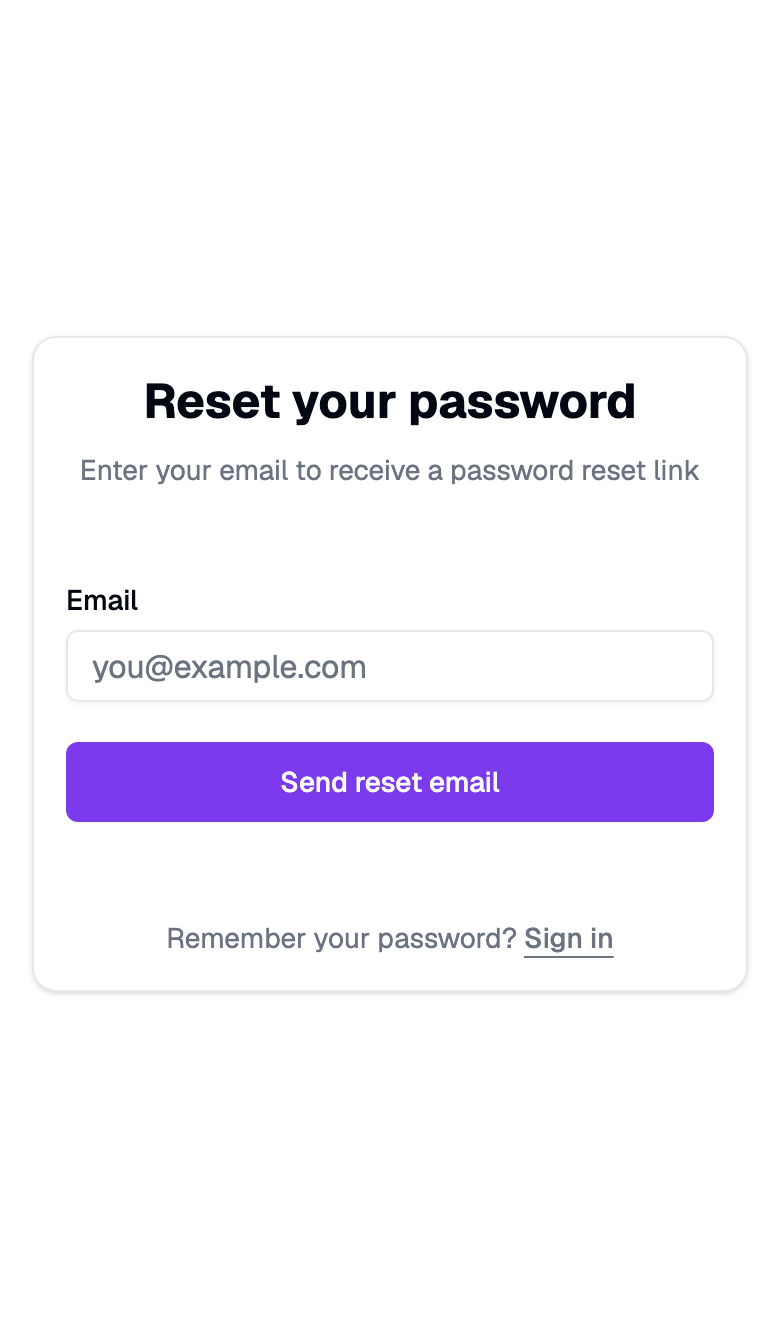
Google accounts that never set a password use the same page. The heading reads Set your password and the button reads Email me a link.
Common problems
"Account not linked" when using Google. The email already has a password account. Sign in with the password, then use Google next time.
No verification email. Check spam, then request a new one by trying to sign in. Emails come from [email protected].
Wrong email on the account. Email support and we will move the account for you. There is no self-serve email change yet.
- Previous
- Start here
- Next
- Choose a broker