Two-factor authentication
Key Takeaways
- Available on accounts with a password. Google-only accounts set a password first
- Works with Google Authenticator, 1Password, Authy, or any TOTP app
- You get backup codes at setup. Save them, each works once
- Trust this device for 30 days skips the code on your own devices
Enabling it
- Go to Settings → Account, scroll to Security, and press Enable next to Two-factor authentication. In the Trading 212 app it is under Account → Security.
- Confirm your current password.
- Scan the QR code with your authenticator app, or type the key manually. On the same screen, copy or download the backup codes. Press I've saved my codes.
- Enter the six-digit code your app shows now and press Turn on 2FA.
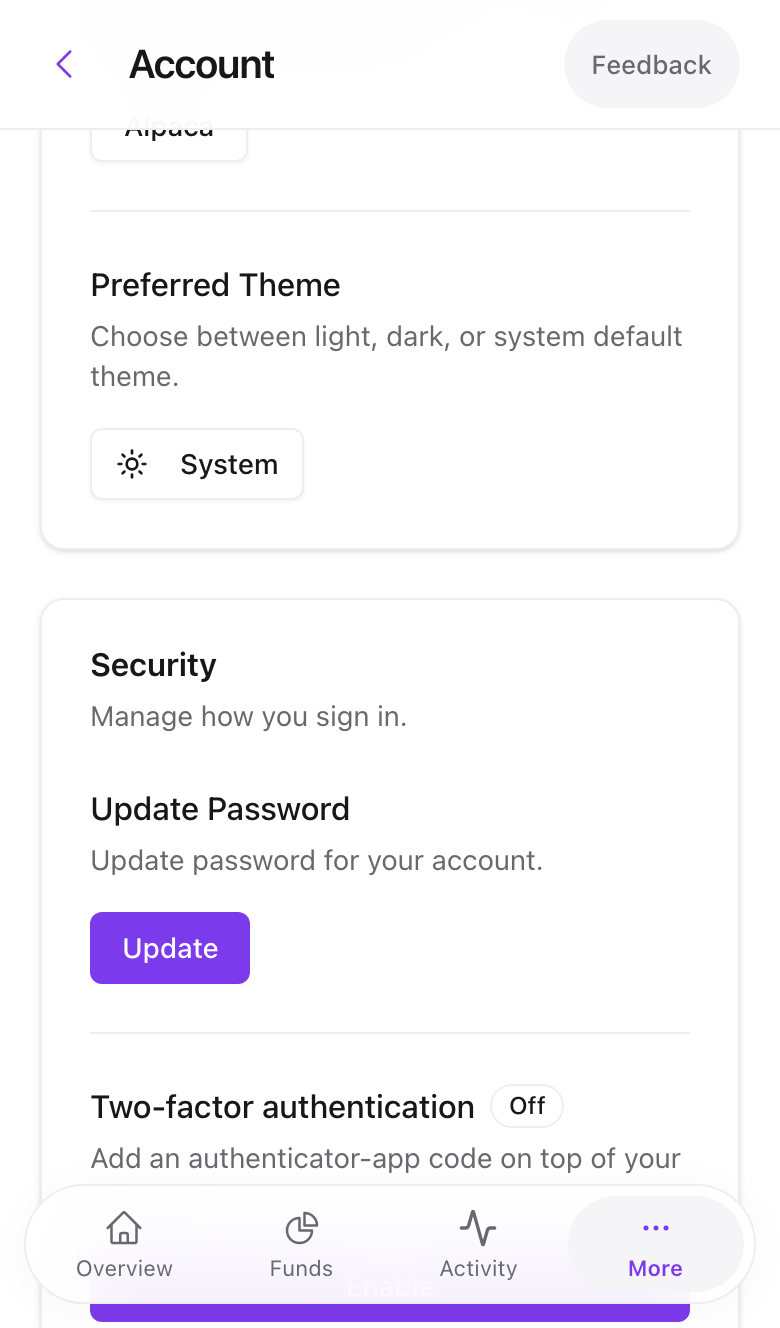
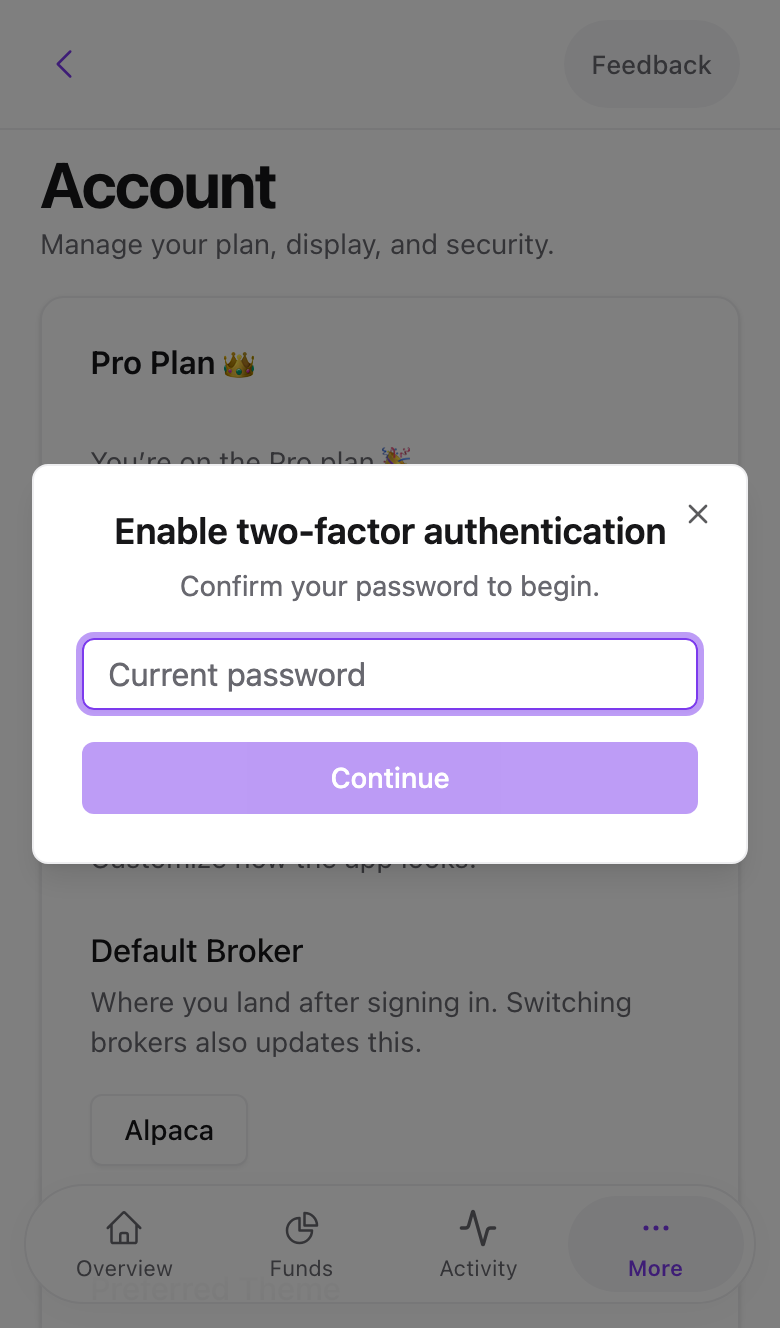
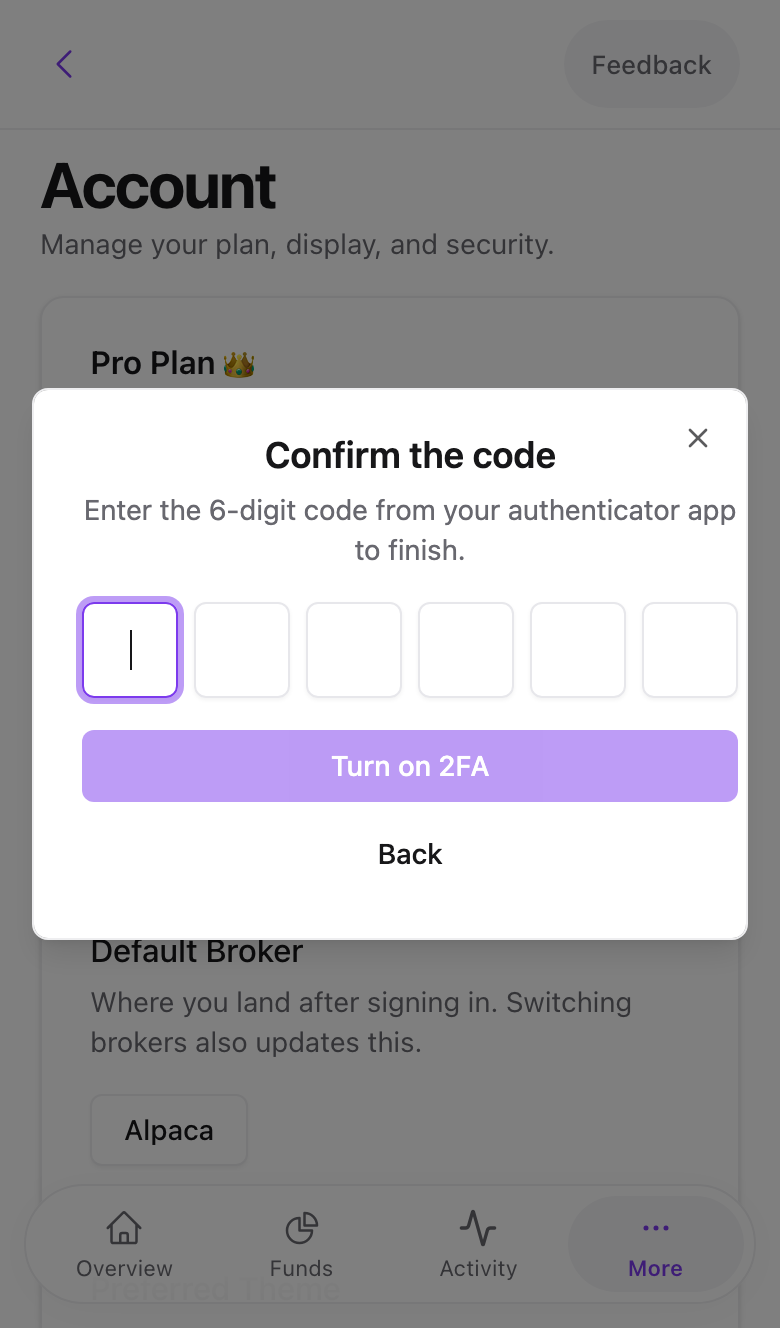
Swipe to see all 3 screens
Save the backup codes somewhere safe
If you lose your phone, the backup codes are the only self-serve way back in. Each code signs you in once.
Signing in with it on
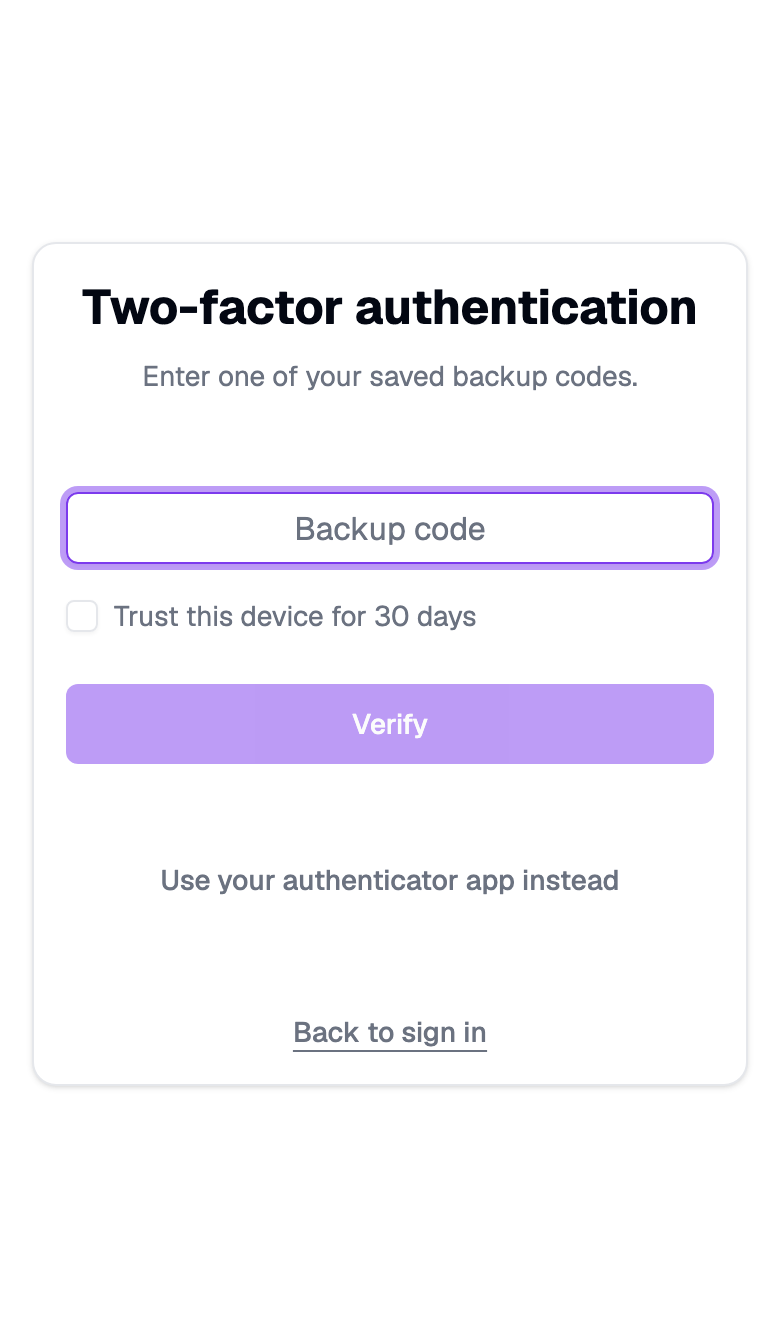
After your password, a Two-factor authentication screen asks for the code. Tick Trust this device for 30 days on your own computer or phone to skip it next time.
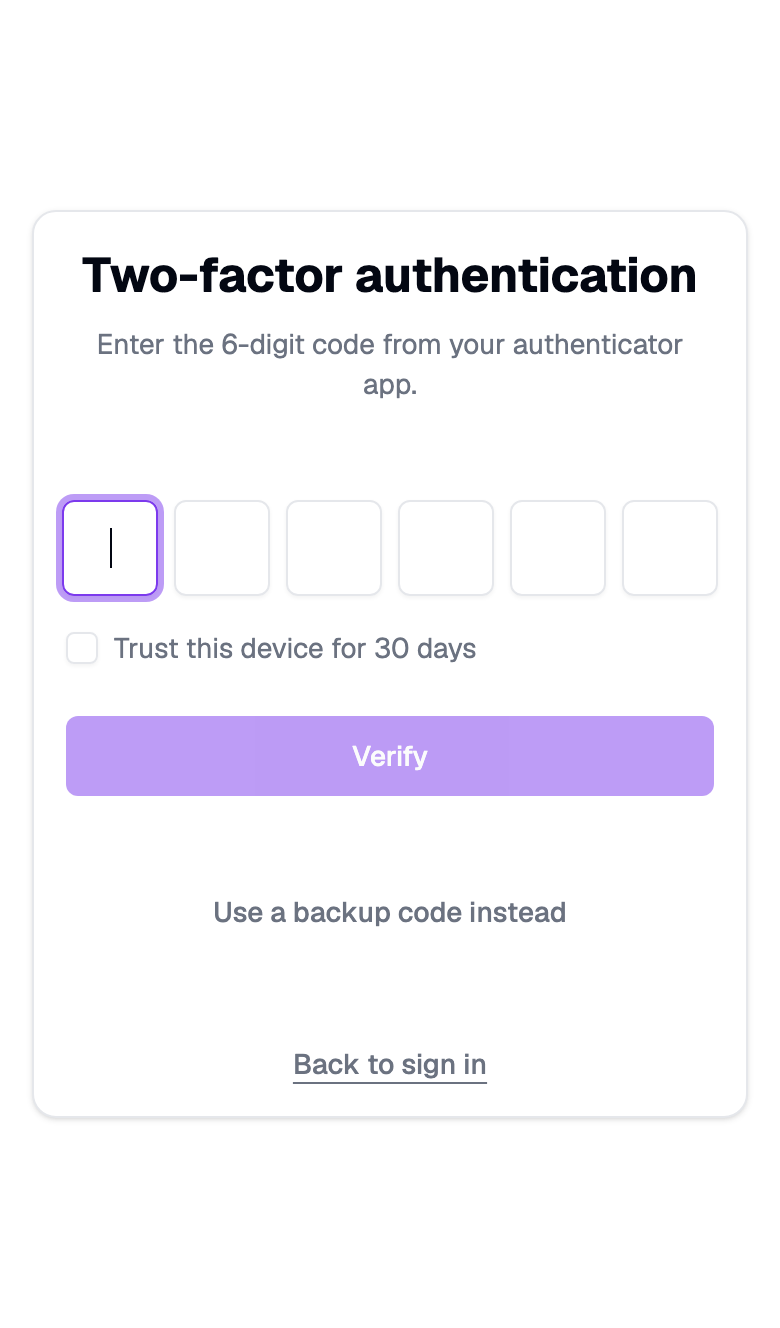
Lost your phone? Press Use a backup code instead and enter one of the saved codes. Then disable and re-enable 2FA with the new phone.
Disabling it
Settings → Account → Security → Disable, confirm with your password and a code, and it is off.
Common problems
The code is rejected. Your phone's clock is off. Authenticator apps rely on exact time. Enable automatic time in the phone settings.
No phone and no backup codes. Email [email protected] from the account's email address. We verify identity manually and reset 2FA. This takes a working day.
I signed up with Google and there is no Enable button. Set a password first via Forgot password? on the sign-in page. Security options appear once the account has one.
- Previous
- Email notifications