Safety and disconnecting
Key Takeaways
- The review period holds every automated sale for 24 hours and emails you first
- Turning it off means compliance sales run at the next market open with no delay
- Disconnect Alpaca revokes Amal's access. Your holdings stay at Alpaca untouched
- Reconnecting is one authorisation click; nothing is lost
The review period
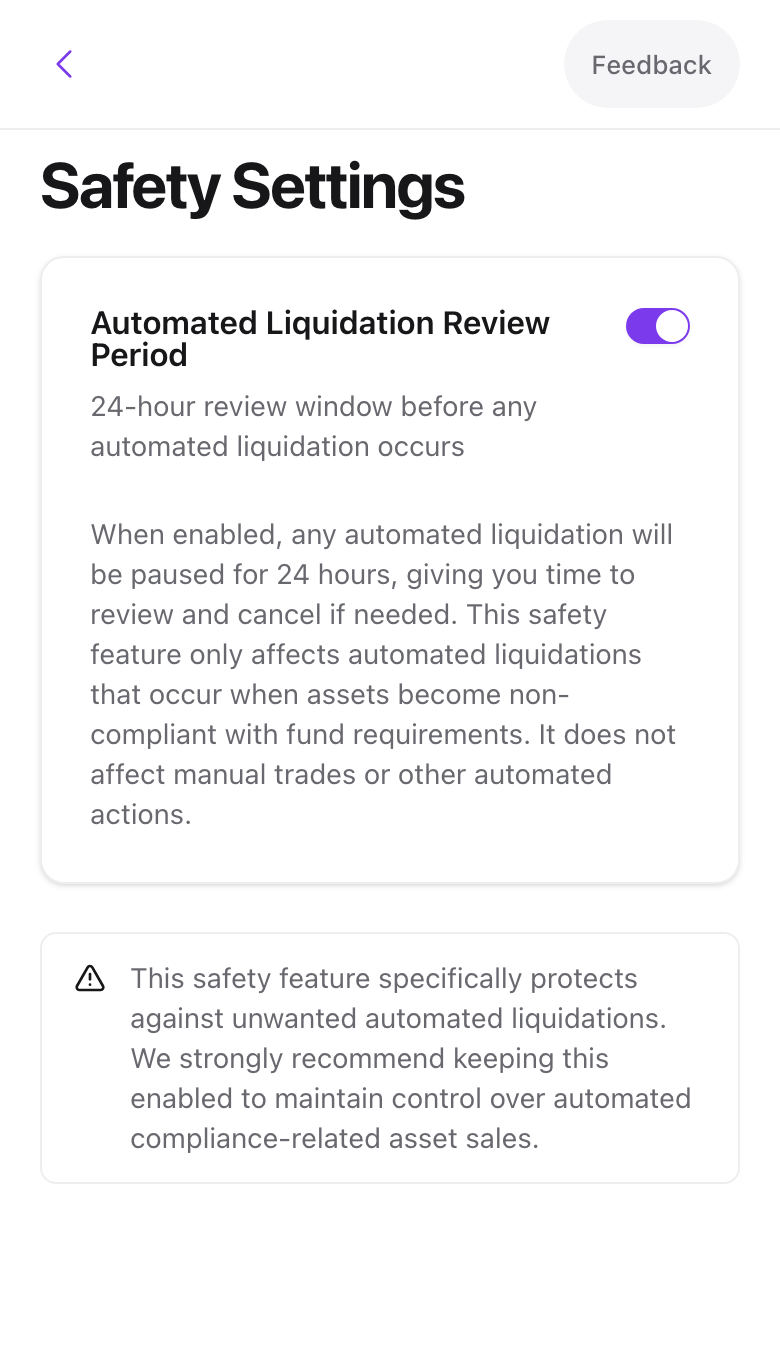
Settings → Safety has one switch, Automated Liquidation Review Period, on by default. While it is on, any sale Amal would place on its own, most often because a holding failed screening, waits 24 hours. The Compliance Changes email arrives at the start of the window so you can change the fund's policy or act yourself.
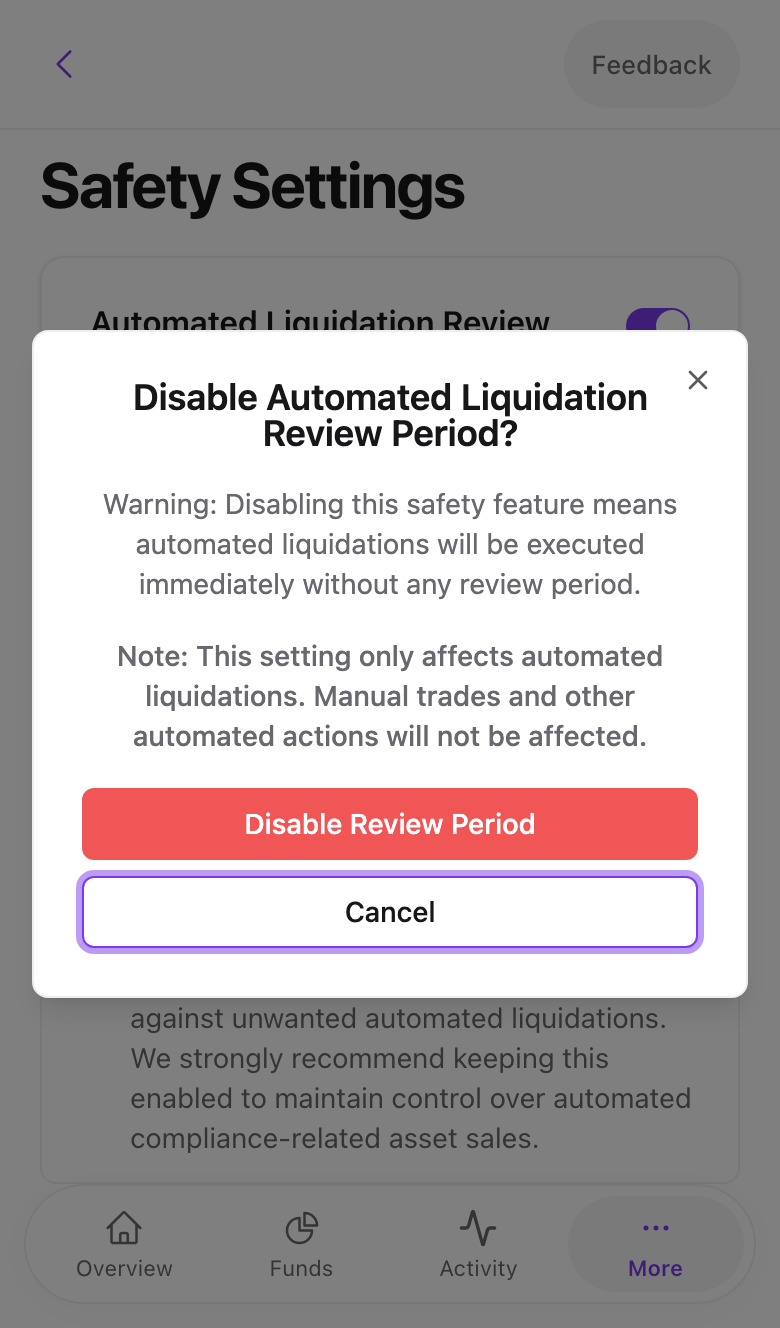
Switching it off opens a confirmation explaining the consequence. Press Disable Review Period only if you want sales to happen immediately.
Disconnecting Alpaca
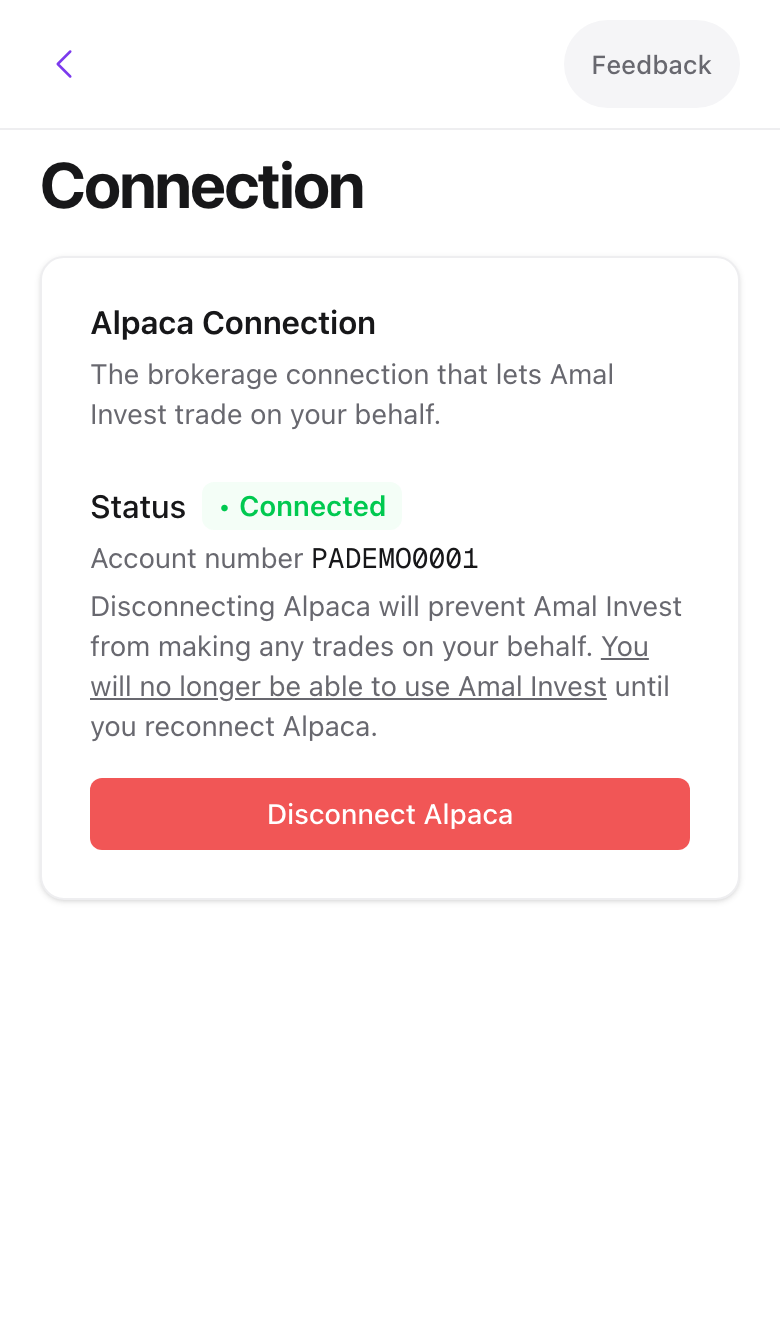
Settings → Connection shows the status, Connected or Not connected, and your Alpaca account number.
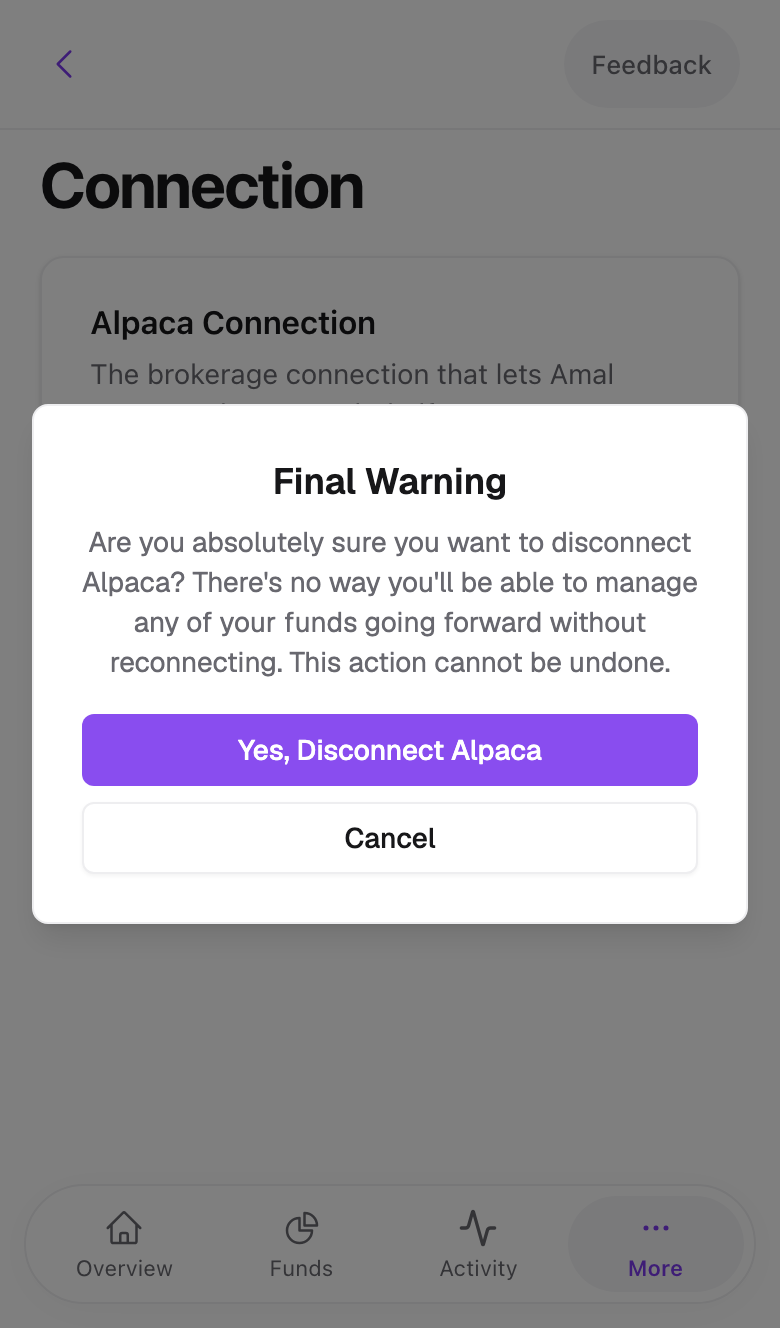
Disconnect Alpaca asks twice, the second time as a Final Warning. Confirming revokes Amal's authorisation at Alpaca. From then on:
- Amal cannot place any order, including scheduled ones and compliance sales.
- Your stocks and cash remain in your Alpaca account. You can manage them at app.alpaca.markets.
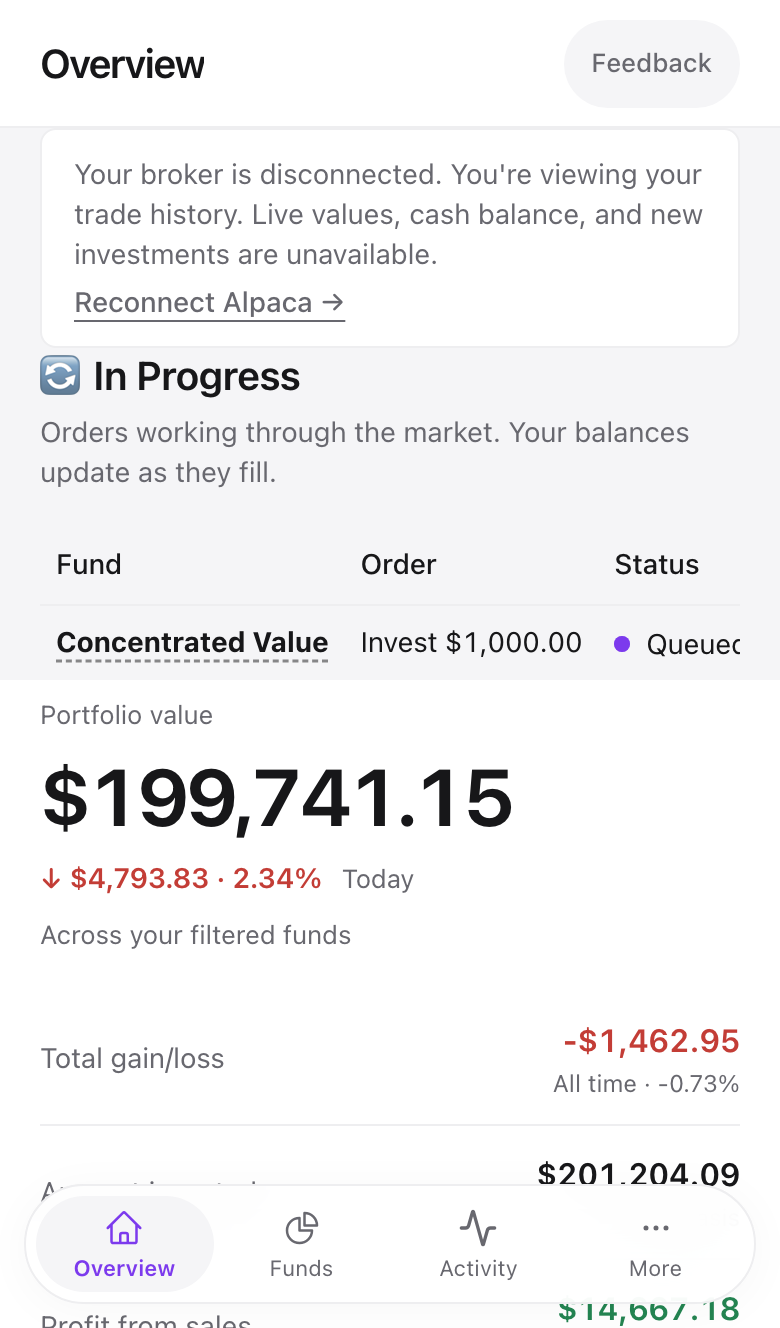
- Amal keeps your history and shows it read-only, with a Your broker is disconnected notice on the Overview.
Swipe to see all 2 screens
Reconnecting
Press Reconnect Alpaca on the Overview notice. Alpaca asks you to authorise Amal again. Live values, cash and investing come back straight away. Scheduled orders do not run while you are disconnected, so after reconnecting check each fund page and schedule again anything that was due in the meantime.
Revoking from Alpaca's side
You can also remove Amal under Alpaca's connected apps. Amal detects this on the next page load and shows the same disconnected state.
Deleting your account
Settings → Account → Danger Zone → Delete my account currently opens a request rather than deleting on the spot. Disconnect Alpaca first if you want to be sure no orders run, then email [email protected] to confirm. We remove your data within 30 days. Your Alpaca account is separate and closes through Alpaca.
Common problems
I disconnected by accident and a rebalance was scheduled. It did not run. Reconnect and schedule it again from the fund page.
Connection says Not connected but I never disconnected. Alpaca tokens occasionally expire. Press Reconnect Alpaca and authorise again.
- Previous
- Two-factor authentication