Choose a broker
Your plan works with both brokers. Pick the one that fits where your money already is. You can switch any time from settings.
Key Takeaways
- Amal Invest opens a brokerage account through Alpaca and trades for you inside the app
- Amal x Trading 212 keeps your existing Trading 212 account and builds halal pies in it
- Alpaca is the full experience: funds, individual stocks, automated selling of non-compliant holdings
- Trading 212 is the lighter one: your filters, your pies, synced daily
The two options
After signing up on a paid plan you land on the broker chooser.
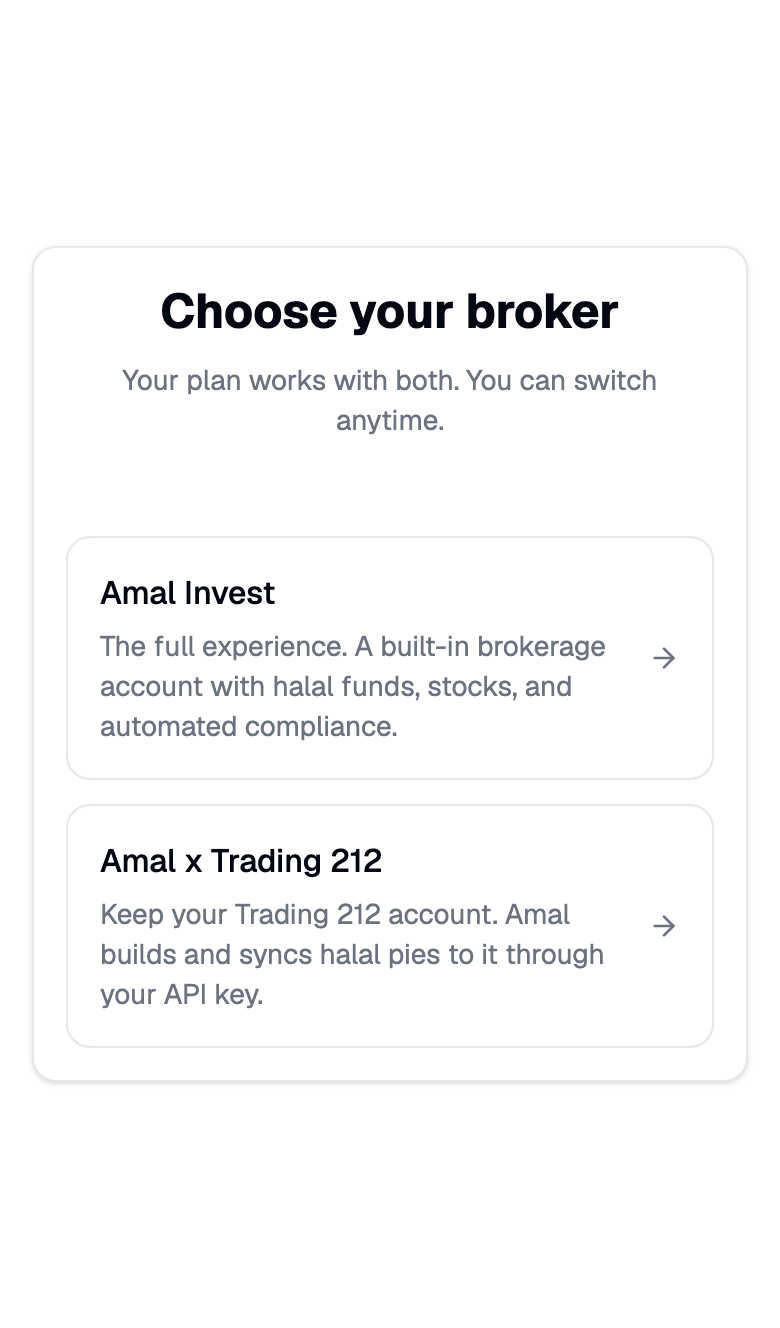
| Amal Invest (Alpaca) | Amal x Trading 212 | |
|---|---|---|
| Account | New brokerage account with Alpaca, opened during onboarding | Your existing Trading 212 Invest or ISA account |
| Where trades happen | Inside Amal, on your behalf | Inside Trading 212, through pies Amal creates |
| Funds | Filtered versions of any of 100,000+ US funds, plus custom funds | Grow and Save pies built on your filters |
| Individual stocks | Yes | No, pies only |
| Non-compliant holding | Sold automatically after a review window | Removed from the pie on the next sync |
| Deposits | Bank transfer into Alpaca | Deposit into the pie in Trading 212 |
| Availability | 100+ countries, subject to Alpaca eligibility | Wherever Trading 212 operates |
Which one to pick
Choose Amal Invest if you are starting fresh, want individual stocks, or want the app to handle selling when a holding turns non-compliant. Continue with Connect Alpaca.
Choose Amal x Trading 212 if you already invest through Trading 212, especially inside an ISA, and want to keep it that way. Continue with Connect Trading212.
Switching later
Switching changes where you land after sign-in. Nothing is sold or moved.
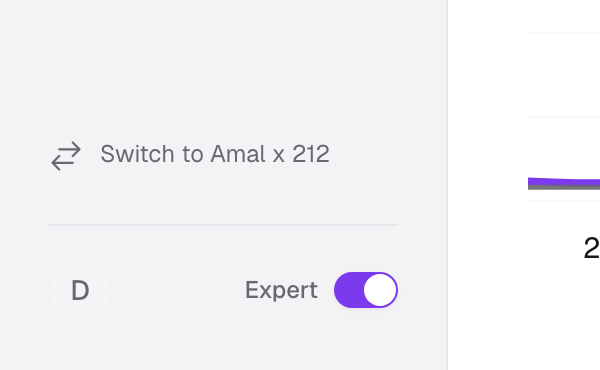
- From the Alpaca app: the sidebar footer has Switch to Amal x 212. On a phone it is in the More sheet.
- From the Trading 212 app: the dashboard tile v. Switch to Alpaca.
- Either app: Settings → Account → Default broker picks the one that opens first.
Common problems
I do not see the broker chooser. It appears once your plan is active. Before that the app goes straight to Alpaca onboarding.
Can I run both at once? Yes. Both connections stay active. The default broker only decides which one opens first.
- Previous
- Create your account