How orders work
Key Takeaways
- Orders placed during US market hours usually fill within minutes
- Outside market hours they queue under Scheduled Orders and run at the next open
- Automated sales caused by a compliance change wait 24 hours first, unless you turn the review period off
- Expert mode adds a technical log with every order's details
In Progress
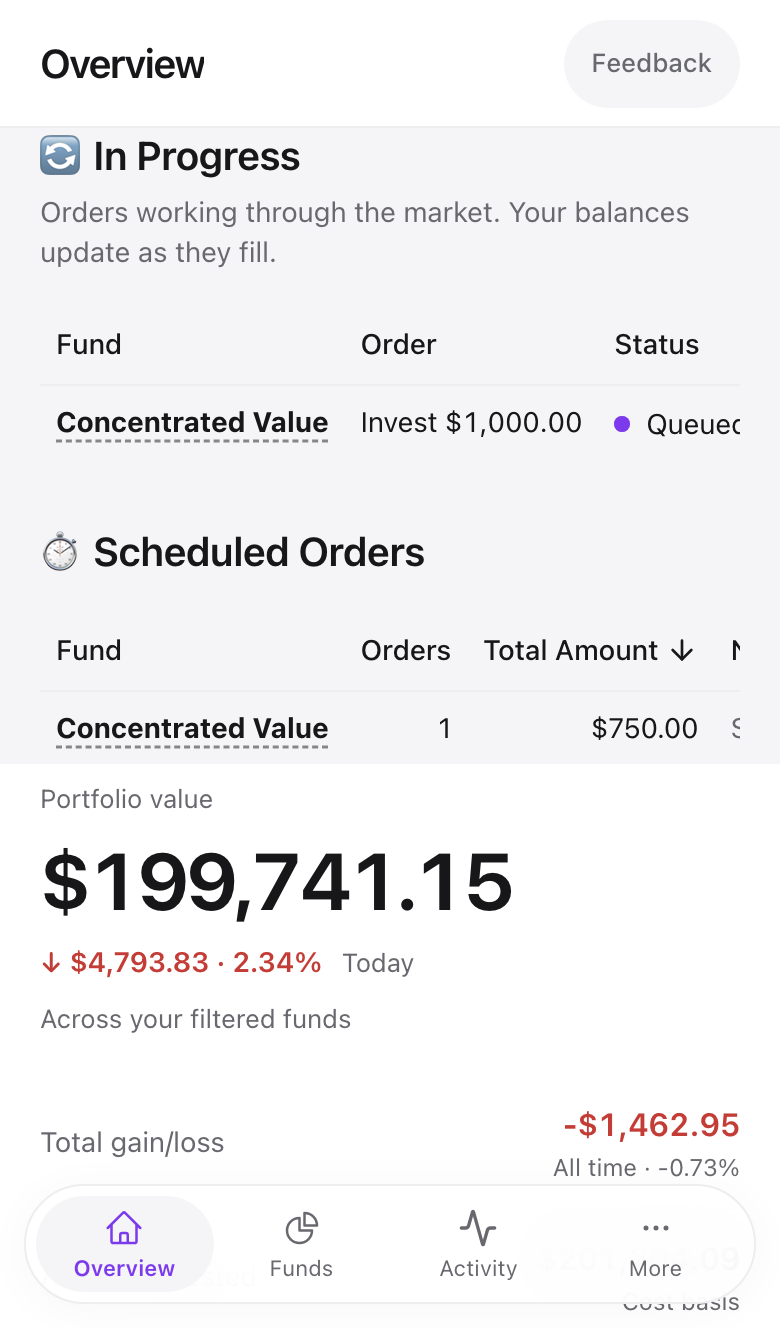
The moment you submit an investment, withdrawal, or rebalance, an In Progress section appears at the top of the Overview. Each row shows the fund, the order type such as Invest $500 or Rebalance, and a status chip.
- Placing orders means Amal is sending them to Alpaca now.
- Queued means they are waiting behind another batch.
The table refreshes itself every 15 seconds and disappears when everything has filled.
Scheduled Orders
US markets are open 9:30 to 16:00 Eastern time, Monday to Friday. Anything submitted outside those hours lands in Scheduled Orders with a next-run time that reads "at market open".
Recurring buys also live here, marked with a repeat symbol and the interval, for example "$100 weekly".
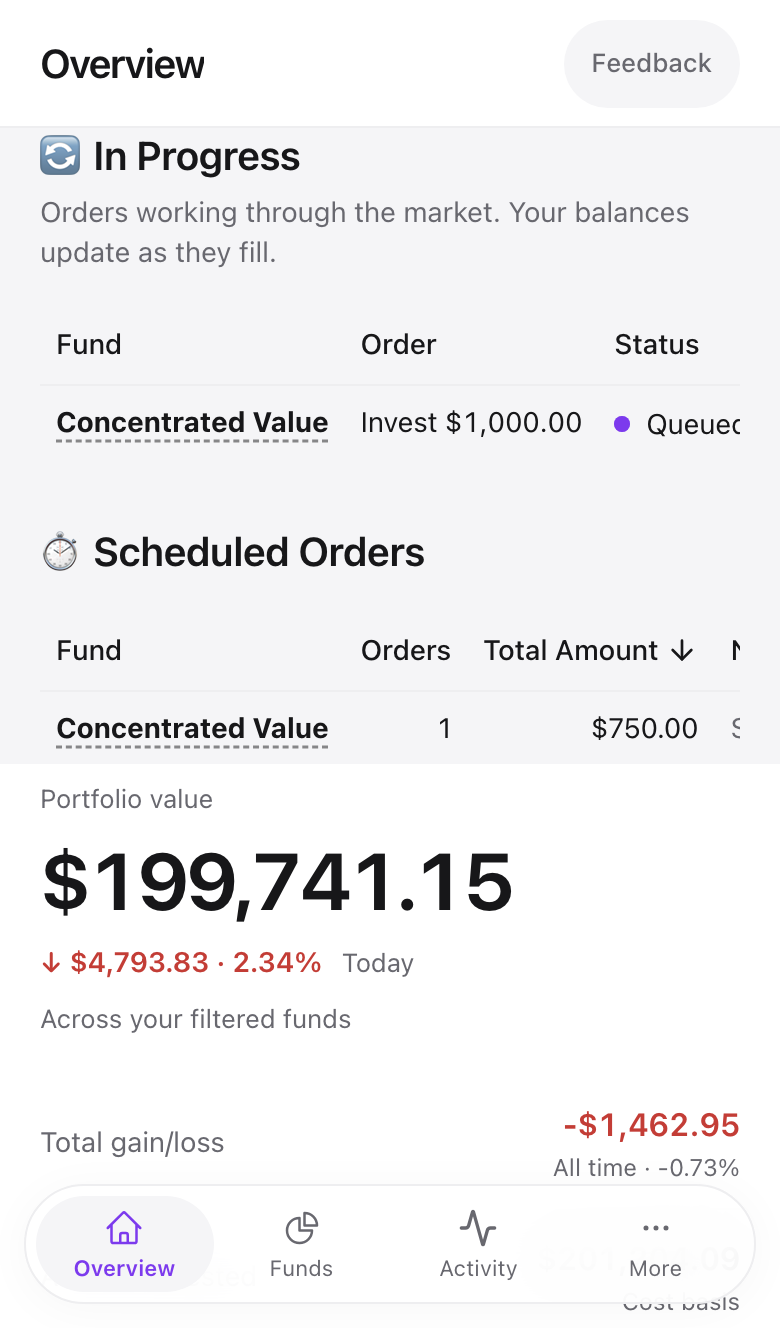
You can cancel a scheduled order from the fund's Activity tab before it runs.
Individual stock orders
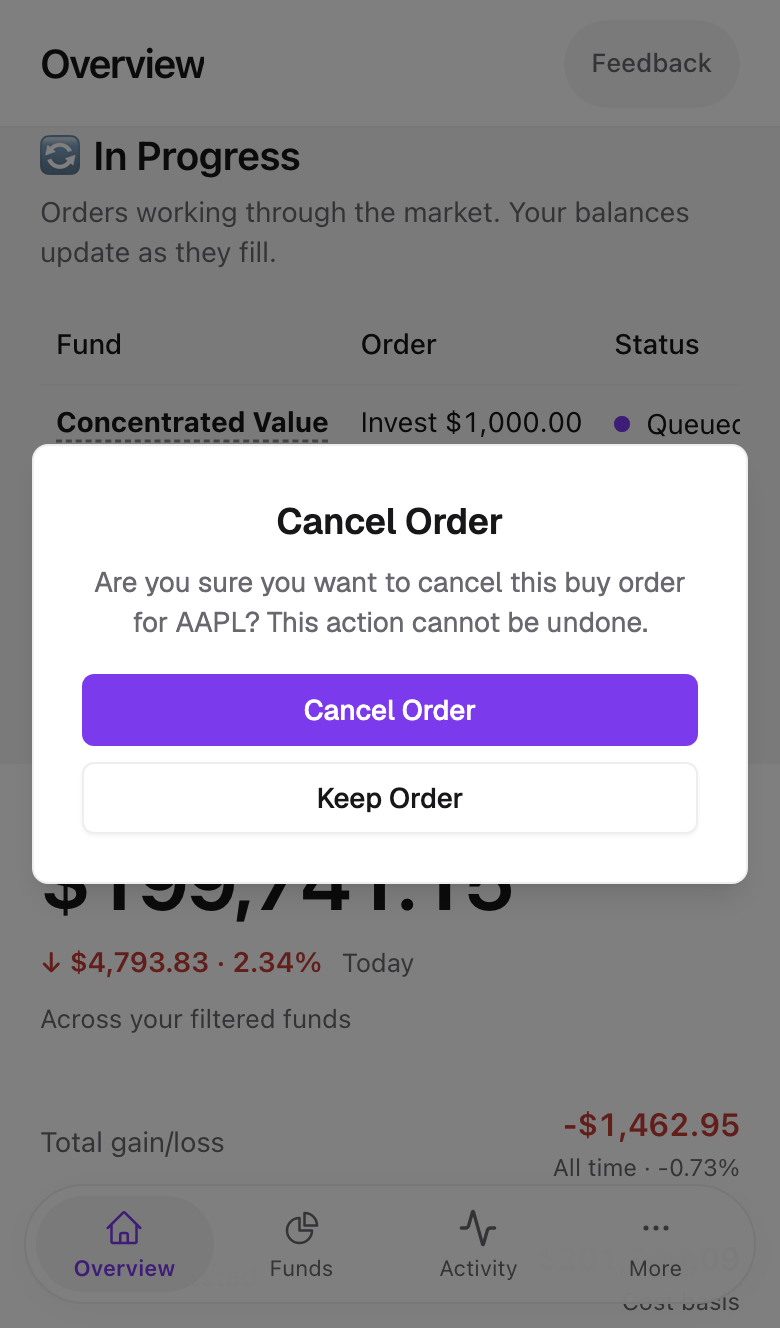
Stock purchases show as cards under Pending Stock Orders with a Buy or Sell label, the amount, and the submission time. The X on a card opens a Cancel Order confirmation.
Automated sales and the review period
When a holding fails screening and your fund is set to sell it, Amal does not sell immediately. A 24-hour review period starts, you get an email, and the sale runs after it unless you intervene. You can turn this off under Settings → Safety, but we recommend keeping it. See Safety and disconnecting.
Common problems
Orders have been "Placing" for over an hour during market hours. Check the fund's Activity tab for an error, then email support with the fund name.
The filled amount is slightly different from what I entered. Prices move between preview and fill. Fractional shares keep the difference to cents.
I want to see exactly which orders were placed. Turn on Expert mode in the sidebar footer. Each fund's Activity tab gains a Technical log with every order.
- Previous
- Deposits and withdrawals